Creality Pika 3D Scanner Review: Portable and Affordable
The lightweight Creality Pika brings handheld 3D scanning within reach of hobby-level consumers with portable features and robust software support.
 Radwan AbdulhadiEditor and technology writer
Introduction to the Creality Pika
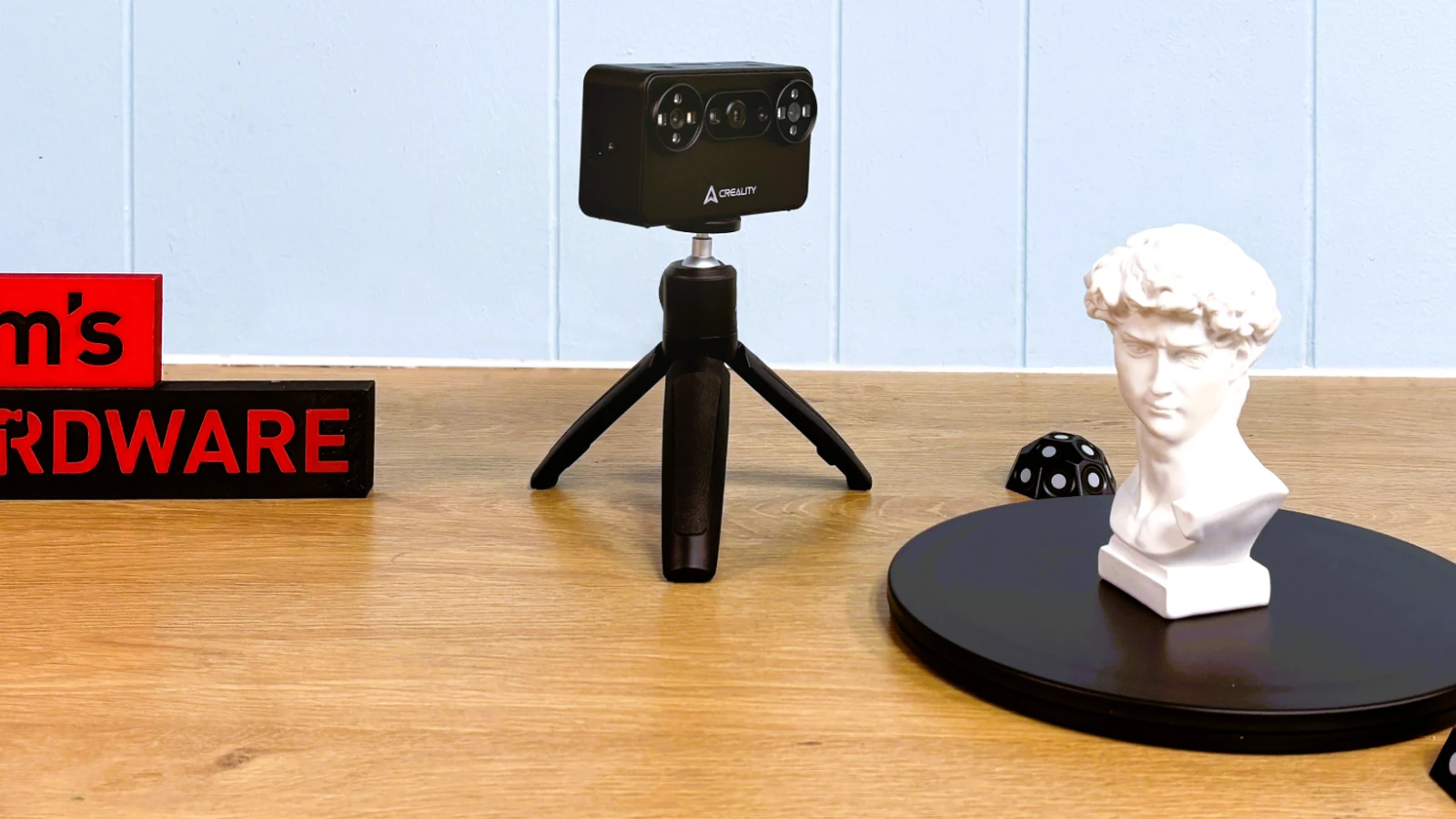
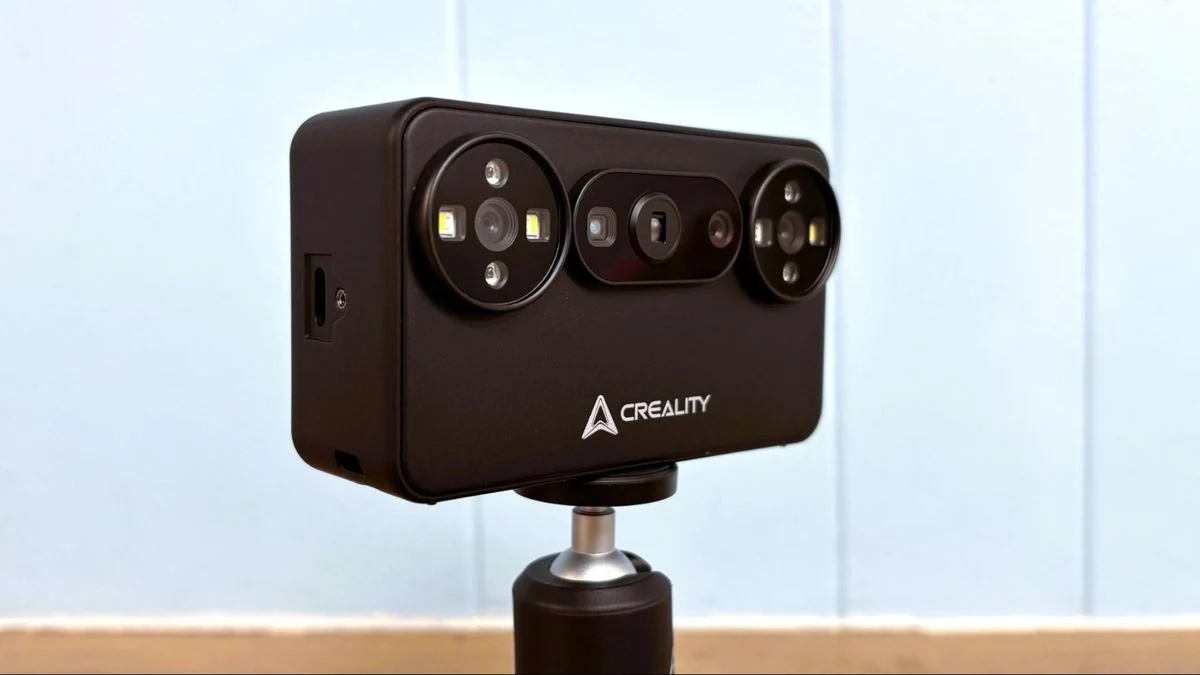
The Creality Pika introduces a lightweight, highly portable handheld scanning device designed to make 3D scanning more accessible for hobby-level consumers. Traditionally, high-quality 3D scanners carried multi-thousand-dollar price tags, but the Creality Pika aims to bridge that gap by offering a device that resembles a point-and-shoot digital camera in size, look, and feel. Weighing just 260 grams with its batteries installed, the scanner reduces arm fatigue during extended handheld operations.
The portable scanner is currently available for pre-order at $699, placing it at a fraction of the cost of higher-end professional models while sharing key software ecosystems with other company products. For more details on the hardware, interested buyers can look at the Creality Pika listing.
Design, Hardware, and Accessories
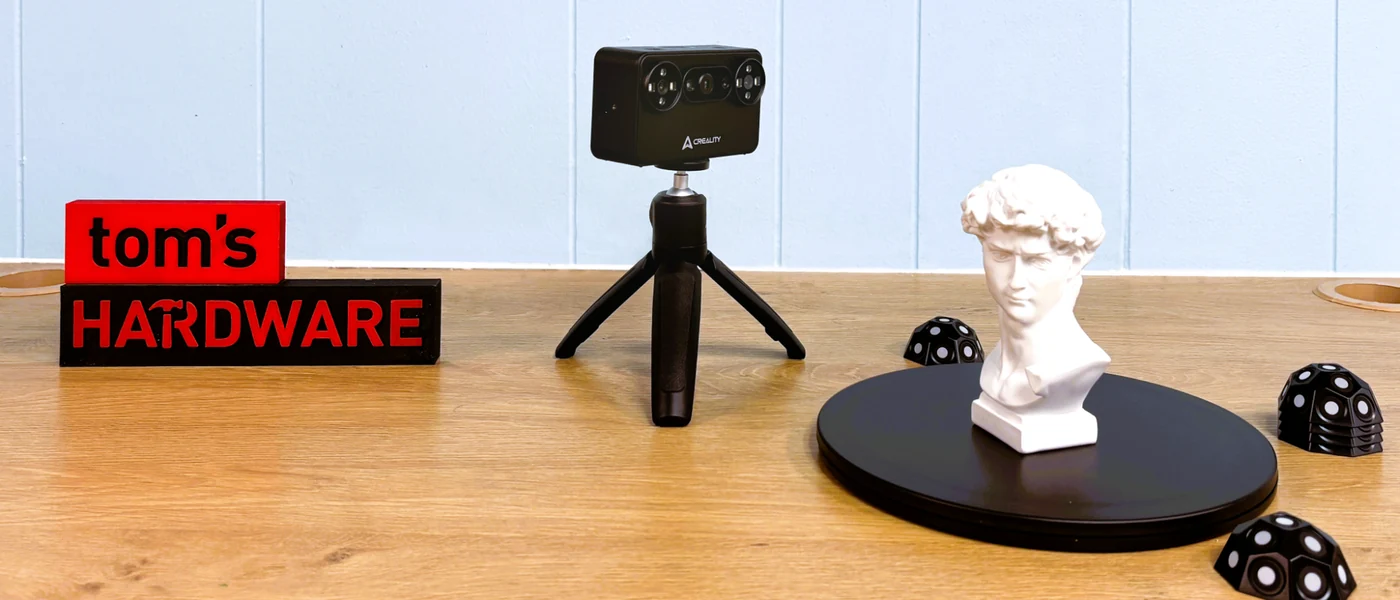
Equipped with a 3-inch touchscreen on the back, the scanner allows users to monitor scans in progress when paired via Wi-Fi to a phone or PC, or to adjust exposure and zoom settings during wired operation. Two buttons on top handle power and start/stop functions, complemented by a dedicated selector switch for USB or Wi-Fi modes. The front housing includes an RGB camera, two 3D scanning cameras, a DOE projector, a parallel-line laser, four blue and white fill lights, and four infrared fill lights.
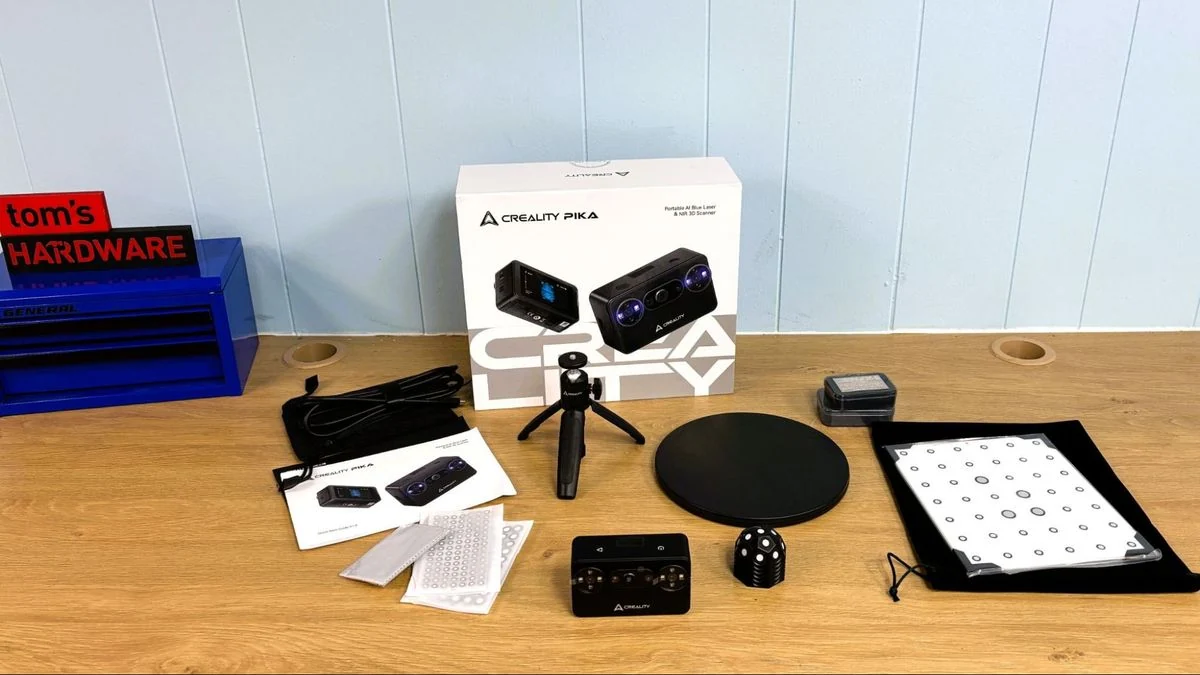
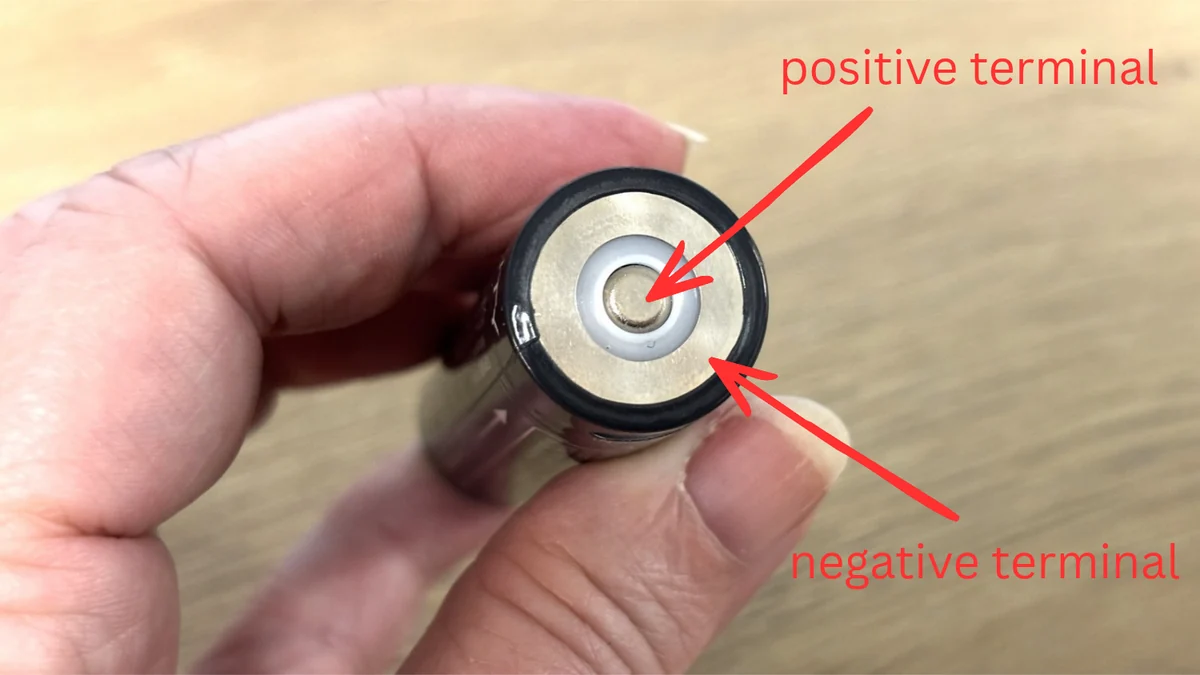
The device runs on AA-sized rechargeable batteries that can be charged directly inside the camera or through a USB-C port located near the top of the battery. Out of the box, the hardware package includes a tabletop tripod, a manual turntable, a glass calibration board, marking blocks, a spare battery, and a generous supply of marking dots to assist with tracking during operations.
Software, Calibration, and System Requirements
Initial setup requires a glass calibration board and takes roughly ten minutes, involving a series of angled and height-based movements with the scanner. Users can download the Creality Scan software across PC, Mac, Android, and iOS platforms. While the scanner features an onboard 8-core 2.0 GHz CPU, it offloads significant processing tasks to the connected host device, making hardware specifications an important consideration for smooth operation.
Operating the scanner with minimum hardware requirements can present performance bottlenecks, and older or lower-end machines may struggle with the processing load. Once a scan is completed and refined, the software allows users to export models as STL, PLY, OBJ, or ASC files for direct integration into 3D printing workflows.
Scanning Performance and Capabilities
The Creality Pika utilizes blue laser line scanning equipped with seven parallel laser lines to capture detailed geometry. While tracking in Near-Infrared mode can present challenges, the device handles small, shiny, or black-colored objects effectively. Reviewers have highlighted its ability to operate cordlessly when paired with modern mobile phones such as an iPhone 15 or compatible Android devices running version 10 or newer.
Post-processing in the software lets users fuse models, remove marker dots, clear out noise using the lasso tool, and smooth out meshes while filling in small holes. These streamlined processing options help convert raw captures into clean, print-ready files.
Sources
- Tom's HardwareCreality Pika 3D scanner review: Good things come in small packages
Continue chronologically

Related stories
3D Printer Halloween Sales Feature Prices Starting at $199
Major 3D printer brands including Elegoo, Creality, and Prusa launch holiday weekend sales with hardware discounts and low starting prices.
How a 3D Printer Can Save Money on 5 Hobbies
Discover how owning a 3D printer can help you save money on expensive hobbies like gardening, drone piloting, smart home tech, and photography.
Amazon Prime Big Deal Days Bring PC and Hardware Sales
Amazon Prime Big Deal Days feature discounts on PC hardware, gaming GPUs, SSDs, monitors, and various accessories during the final day of sales.

Bambu Lab Launches Early Black Friday 3D Printer Deals
Bambu Lab has kicked off its early Black Friday sale, offering up to $300 in savings on its flagship 3D printers, filaments, and accessories.