GitHub Adds AI Scan Enablement Status to Security Overview
GitHub has updated its platform to let organization and enterprise administrators view the enablement status of AI Scan for pull requests within the security overview coverage view.
 Radwan AbdulhadiEditor and technology writer
Enhanced Visibility for Security Overview
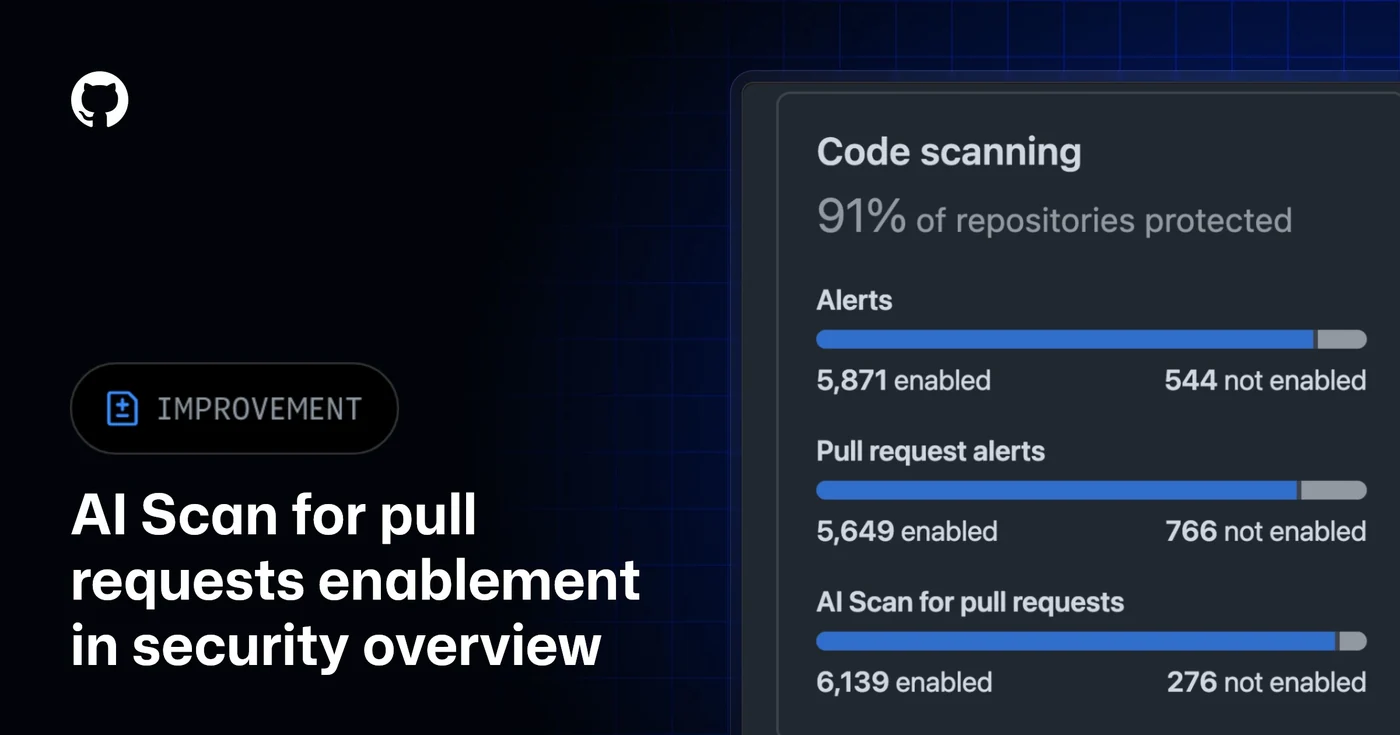
Organization and enterprise administrators can now easily see AI Scan for pull requests enablement status directly within the security overview coverage view, according to the official [GitHub Changelog](https://github.blog/changelog/2026-10-06-code-scanning-ai-scan-enablement-status-in-security-overview/). This update provides administrators with a comprehensive summary that shows both enabled and not enabled repository counts.
In addition to aggregate repository counts, individual repository rows now clearly show each repository's effective AI Scan enablement status. This level of transparency is designed to help engineering and security teams maintain clear oversight across complex enterprise environments without requiring manual audits of every single code repository.
Gaining this granular visibility is a critical step for organizations aiming to secure their software supply chains. By surfacing whether individual repositories are actively leveraging AI scanning tools for pull requests, leaders can quickly pinpoint security gaps and ensure uniform compliance with corporate security baselines.
Advanced Filtering and Data Export Capabilities
To make managing large portfolios of code repositories more efficient, GitHub has introduced dedicated filtering parameters within the coverage view. Administrators can now filter their coverage views using specific strings such as code-scanning-ai-scan-pr-scan:enabled and code-scanning-ai-scan-pr-scan:not-enabled.
Furthermore, coverage CSV exports have been updated to include a dedicated Code Scanning AI Scan for pull requests column. This column clearly details enabled and not-enabled values, making it easier for security teams to perform offline analysis, generate compliance reports, or integrate security metrics into external data processing pipelines.
These administrative tools streamline the day-to-day workflow of tracking security feature deployment. Rather than guessing which teams have adopted automated scanning, security managers can generate precise lists and export the data for stakeholder review.
Tracking Adoption Across Enterprise Environments
This new tracking feature directly addresses the challenges organizations face when scaling security features across hundreds or thousands of repositories. By utilizing the updated coverage view, administrators can effectively measure adoption rates and manage AI Scan for pull requests enablement across the entire enterprise.
For teams looking to dive deeper into measurement strategies, GitHub provides official guidance on [assessing adoption of security features](https://docs.github.com/enterprise-cloud@latest/code-security/how-tos/view-and-interpret-data/analyze-organization-data/assessing-adoption-code-security) to help organizations maximize the value of their security investments.
Understanding how security tools are deployed enables companies to enforce robust code scanning practices consistently. As organizations continue to rely heavily on automated assistance for pull requests, visibility into feature enablement remains paramount for maintaining a strong defensive posture.
Community Engagement and Further Resources
GitHub encourages developers, administrators, and security professionals to share feedback and discuss best practices regarding these latest updates. Users can participate in ongoing conversations and share insights by visiting the [AI Scan Community discussion](https://github.org/orgs/community/discussions/201543) space.
As the platform continues to roll out enhancements across its application security tooling, keeping up to date with official release logs and community forums ensures that administrators can take full advantage of new capabilities as soon as they become available.
Administrators can review past updates and explore related documentation by visiting the [Back to changelog](https://github.blog/changelog/) portal for a comprehensive history of recent platform changes.
Sources
- GitHub ChangelogCode scanning AI Scan enablement status in security overview
Continue chronologically


Related entity coverage
Related stories
GitHub expands AI Scan beyond CodeQL default setup
GitHub’s AI Scan for pull requests can now detect security vulnerabilities without CodeQL default setup, in public preview for eligible customers.
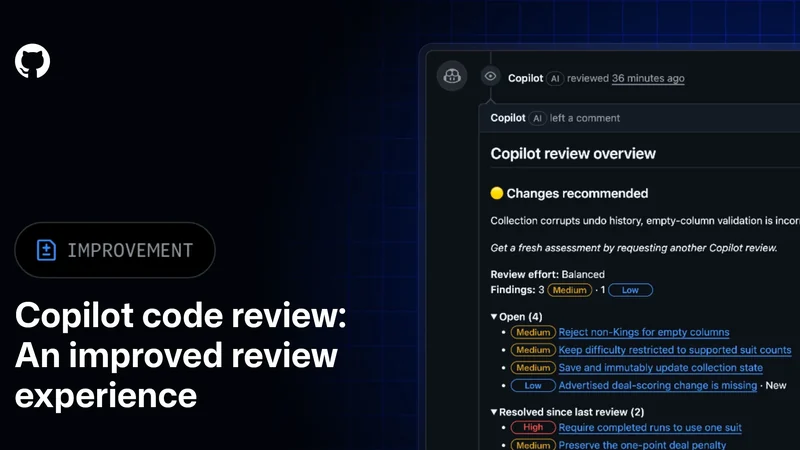
GitHub improves Copilot code review with new tools
GitHub has made Copilot code review generally available with clearer review tracking, smarter comment resolution and batch commit messages.
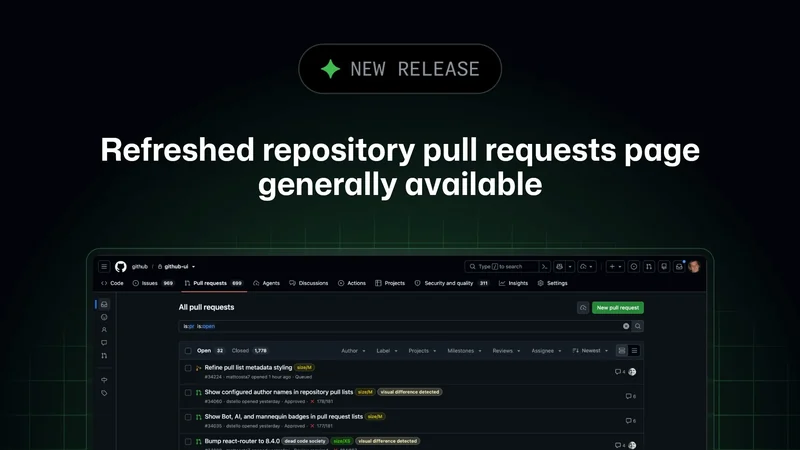
GitHub Releases Refreshed Repository Pull Requests Page
GitHub has officially launched its redesigned pull requests page, featuring improved search, advanced filtering, and enhanced management tools for developers.
GitHub Enterprise Adds Credential Inventory Exports
GitHub Enterprise now allows owners to export comprehensive credential inventories, improving visibility and risk assessment during security incidents.