
Building Intelligent Android Apps with Cloud Agentic Workflows
The Android Developers team has published a new guide detailing how to transform basic mobile applications into personalized, intelligent, and agentic experiences using cloud-hosted backends.
 Radwan AbdulhadiEditor and technology writer
Introduction to Cloud-Hosted Agentic Workflows
As part of the ongoing blog post series on building intelligent Android apps, Jolanda Verhoef, Senior Developer Relations Engineer, has detailed how developers can transition from basic local device integrations to autonomous in-app agentic workflows running in the cloud. More details are available directly through the Android Developers portal.
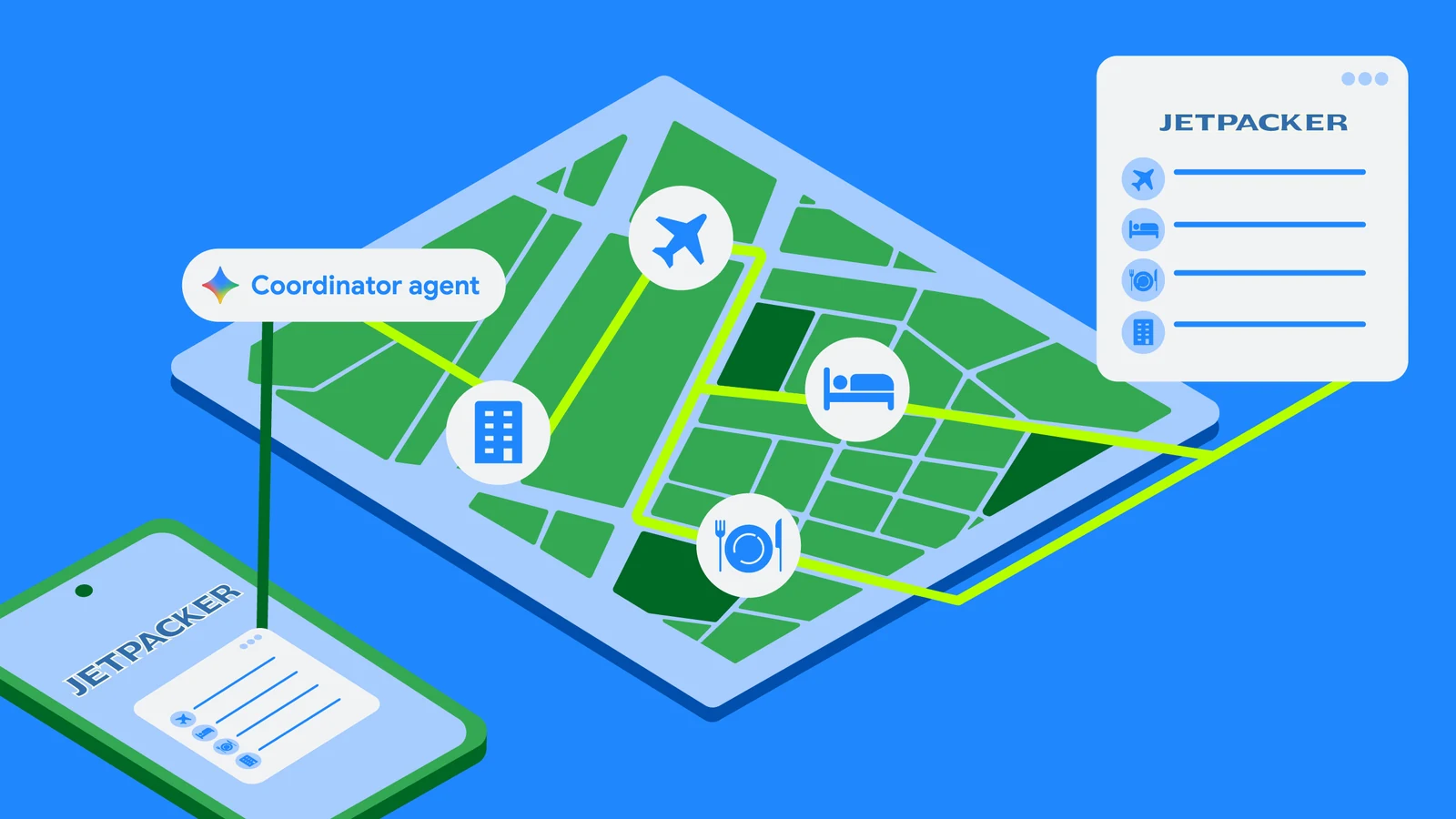
Certain tasks are frequently too complex for a single device session. For instance, booking a comprehensive holiday itinerary requires coordinating flight times, selecting hotel rooms, reserving museum tickets, and planning restaurant reservations. Running this multi-step process directly on a mobile device risks losing user progress if the application gets closed. Furthermore, managing all associated steps and API credentials directly on a phone introduces unnecessary complexity.
To address these long-running, multi-step workflows, developers can implement a custom self-hosted backend. The backend executes booking agents in the background while the Android app connects to the session, visualizes progress, and requests user input only when strictly necessary.
Advantages of a Cloud-Hosted Backend
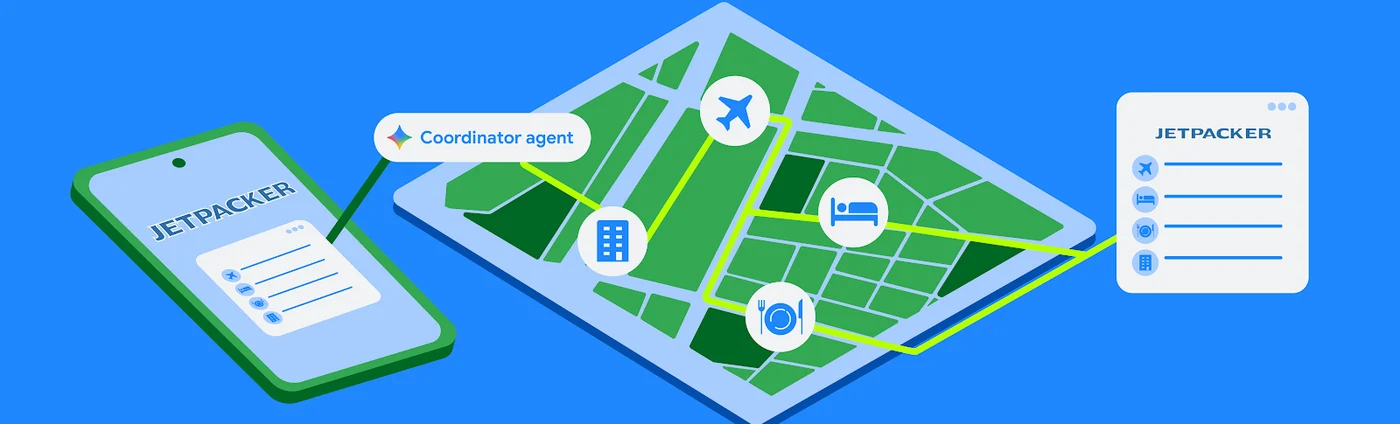
Utilizing a cloud-hosted agentic backend delivers several critical technical advantages for mobile applications. First, background execution ensures that booking agents run autonomously in the cloud, preventing progress loss if the mobile app enters the background or loses internet connectivity.
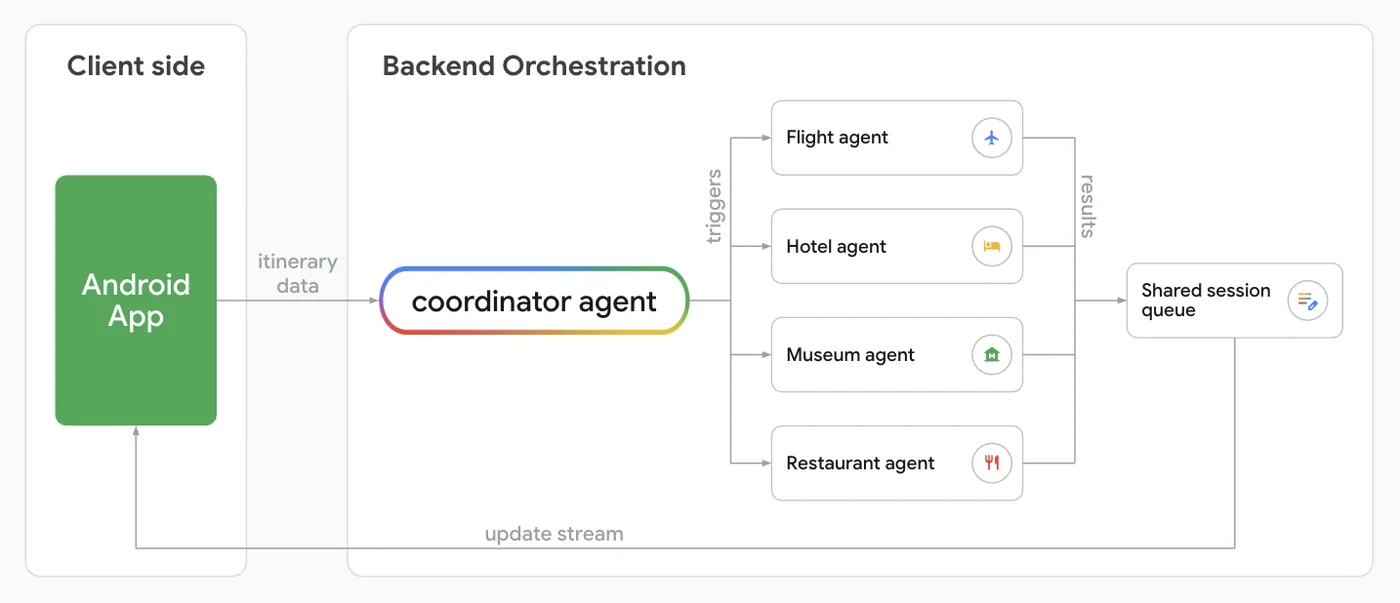
Second, the architecture supports complex multi-agent orchestration. A coordinator agent can delegate individual booking tasks to specialized subagents while efficiently managing dependencies between them.
Third, it enables client-agnostic UI rendering. The backend can dynamically describe the interface structure, allowing developers to update UI layouts without requiring a new client version release.
Orchestrating Multi-Agent Systems with ADK
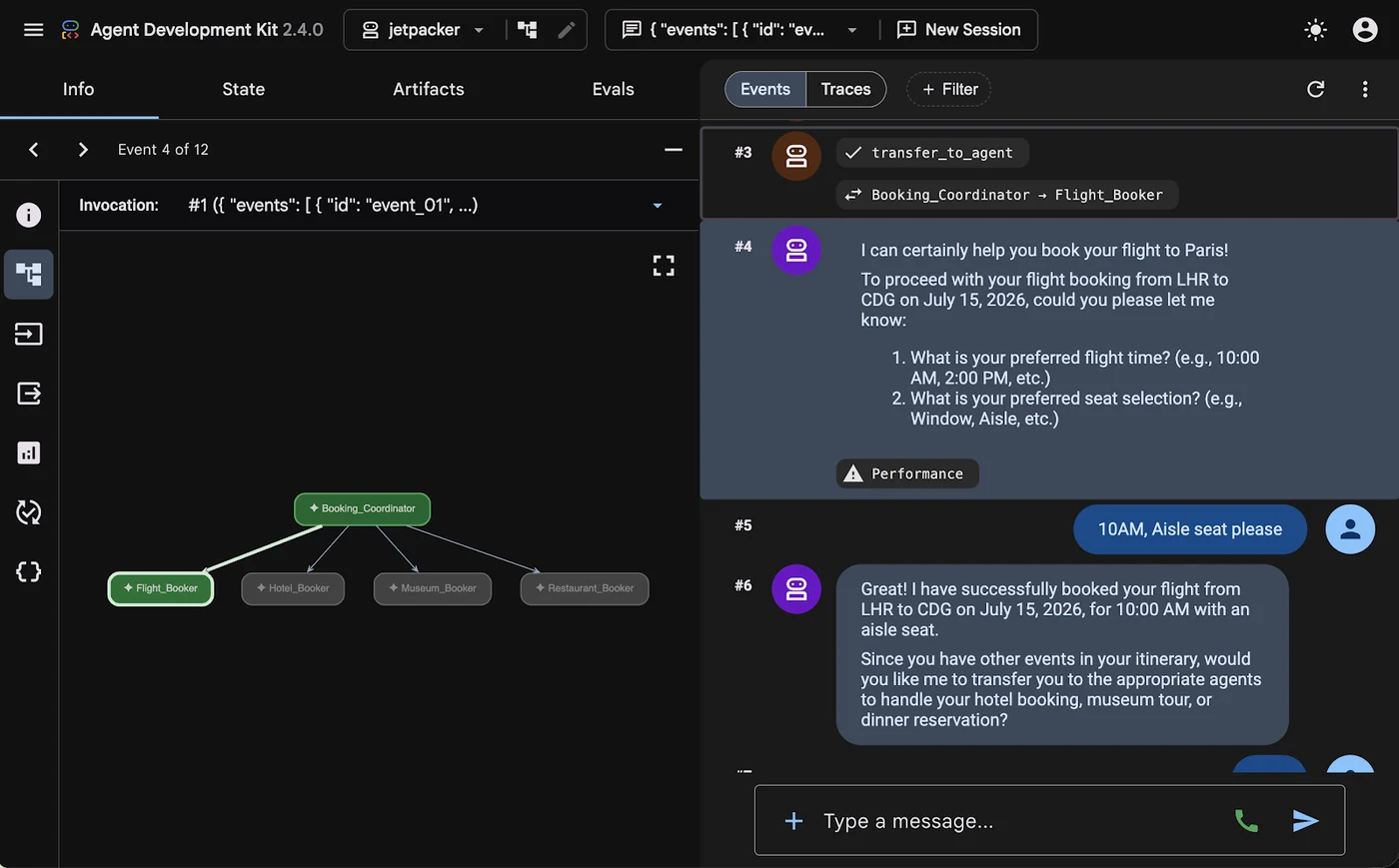
To demonstrate these capabilities, a Booking Assistant was added to the Jetpacker sample app to coordinate flights, hotels, museums, and restaurant reservations. This setup relies on a multi-agent system powered by the Agent Development Kit (ADK), alongside the Agent-User Interaction protocol (AG-UI) and Agent-to-User Interface protocol (A2UI) to send and display interactive cards natively.
When running an agent using this framework, ADK manages execution steps automatically. It tracks conversation context, routes messages seamlessly between the user and the model, and executes registered tools when requested by the model. This automation lets developers focus on procedural logic while the underlying framework handles orchestration in the background.
Standardizing Communication with AG-UI and A2UI
Connecting backend agents to a client app requires streaming real-time updates to the device, a process handled by the AG-UI protocol. AG-UI acts as a bidirectional transport layer protocol that standardizes message types between agents and UI clients. Through this protocol, agents communicate lifecycle events, text messages, tool calls, and state management, while clients return user messages, tool results, and custom action events.
On the server side, updates are yielded as standard Server-Sent Events, which the Kotlin SDK on Android listens to and maps into type-safe client events. Meanwhile, the A2UI protocol allows agents to describe dynamic UI components to render on the client side, decoupling visual implementation details from the agent's workflow state.
To ground the Large Language Model in proper schema layouts, developers can utilize the ADK A2UI integration. Instead of manually writing prompt instructions for every catalog component, the A2uiSchemaManager compiles JSON schemas and layout instructions directly into the system prompt.
Implementing Components and Surfaces in Compose
Each component class within the catalog defines how properties received from the JSON payload map into a Jetpack Compose composable function. While developers can implement custom components tailored for specific flows like booking status or interactive pickers, the material3-a2ui library also provides materialA2uiBasicCatalogV1 for ready-to-use Material 3 implementations.
To maintain proper alignment, both the backend and the mobile client rely on identical catalog definition identifiers. Developers process incoming A2UI messages using the A2uiMessageProcessor within their ViewModel, and then collect and render the surfaces on the Compose screen using the official A2uiSurface composable.
For further insights into modern mobile development practices, documentation and platform updates can be tracked via the official Android Platform channels.
Sources
- Android DevelopersBuild intelligent Android apps: In-app agentic workflows