OpenAI Updates ChatGPT Chrome Extension With Tab Viewing and Sidebar Integration
OpenAI has rolled out a major update to its browser add-on, allowing the artificial intelligence assistant to interact directly with open tabs to handle complex tasks, research, and forms.
 Radwan AbdulhadiEditor and technology writer
Expanding Browser Capabilities Following Browser Shutdown
OpenAI has released a significant update to its browser tool following the retirement of its dedicated browser project. The company previously operated its own browser product, which was retired on August 9, steering its focus back toward enhancing extensions for established web platforms. With the latest release, the official ChatGPT extension for Chrome has received expanded capabilities designed to make the AI assistant a more capable alternative to rival browser integrations.
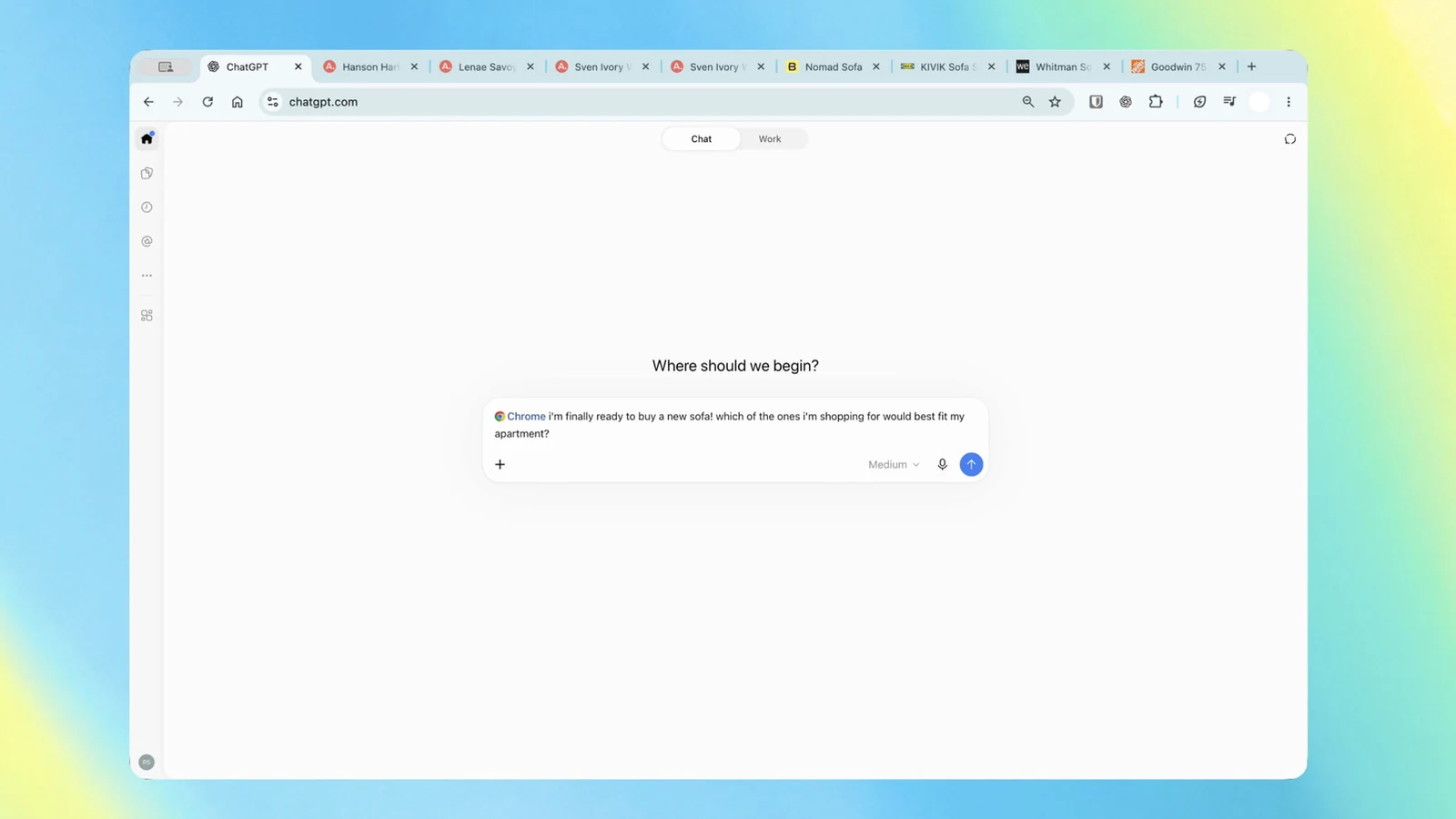
The updated extension allows users to grant ChatGPT visibility into their open browser tabs. When users query the assistant while referencing Chrome, the AI can read and synthesize information across multiple open web pages to deliver tailored insights. This development bridges the gap between active web browsing and AI assistance, allowing for seamless context sharing without manual copy-pasting.
Comparing Tab Data and Automating Complex Workflows
The integration enables practical multi-tab analysis across various shopping, research, and administrative tasks. For instance, users can ask the assistant to evaluate couches opened across three different tabs by analyzing their dimensions, pricing, delivery timelines, and return policies. Similarly, the system can parse vendor data from multiple pages to organize them into structured comparison sheets containing pricing details, key features, and source links.
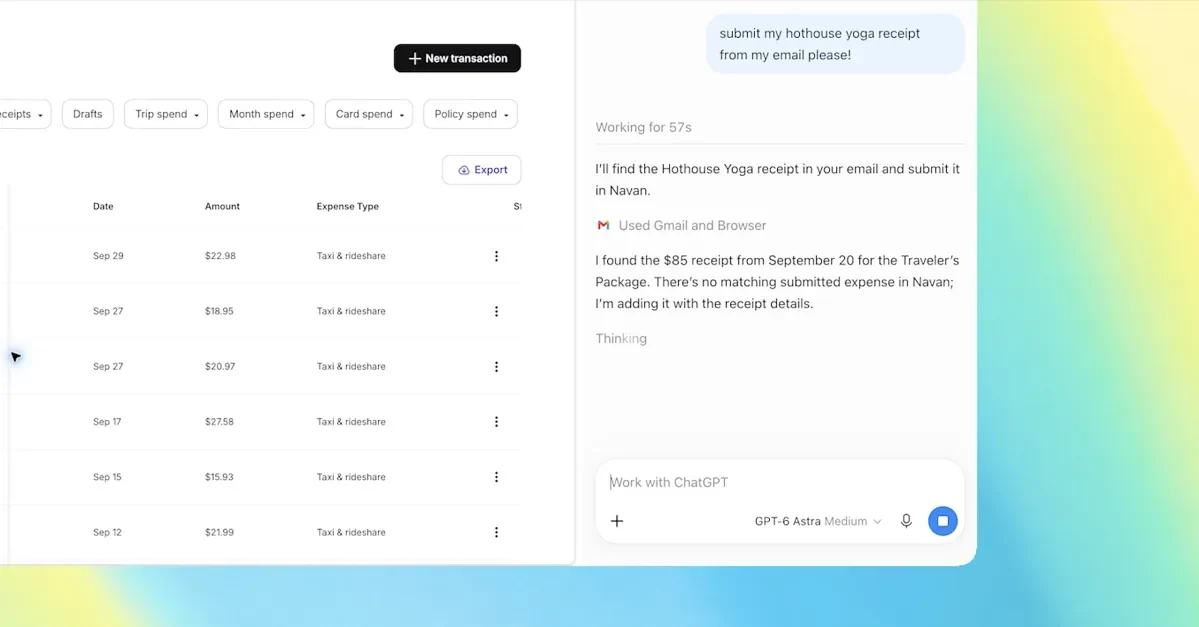
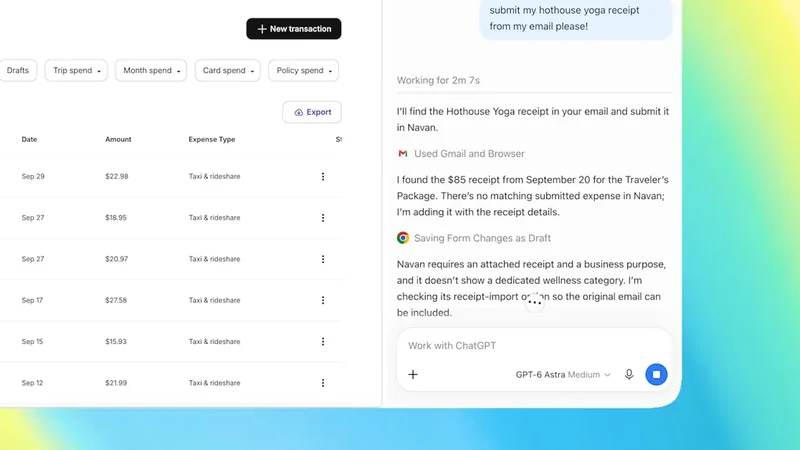
Beyond simple side-by-side comparisons, the upgrade brings advanced capabilities via ChatGPT Work, an agent framework engineered for multi-step execution. Users can instruct the agent to handle operational chores like populating web forms, organizing or grouping open tabs, sending messages, and downloading files. Sample workloads published by OpenAI include filling out online registration forms based on event briefs, organizing contractor services into comparison matrices, or inputting new dental appointment details directly into personal and work calendars.
Sidebar Redesign and Full History Access
In addition to background tab viewing, the extension redesigns the sidebar experience within the browser environment. The updated ChatGPT interface brings the full functional power of the AI directly into the browser window as an overlay panel. Users maintain constant access to their entire conversation history, allowing them to switch between standard Chat queries and complex Work agent tasks without navigating away from their current webpage.
This sidebar architecture ensures that context is preserved continuously as users browse the internet. Whether reviewing contractor terms to draft a custom inquiry email or managing multiple tabs simultaneously, the assistant stays anchored to the side of the screen. This workflow closely mirrors competing browser enhancements, such as Google's automated browsing assistants, while maintaining OpenAI's distinct chat interface paradigms.
Cross-Browser Compatibility and Plan Availability
OpenAI has made the upgraded browser utility broadly accessible to its user base. The extension is available to users regardless of their specific subscription tier, meaning free and paid users alike can install and utilize the feature set. Furthermore, the underlying architecture is not strictly limited to Google's flagship browser software.
According to the company's deployment notes, the extension is fully compatible with a wide range of alternative Chromium-based web browsers. Users running software such as Microsoft Edge, Brave, and Opera can install the add-on from web stores and enjoy the same tab-viewing and sidebar functionalities. As web ecosystems lean further into agentic workflows, this cross-platform compatibility ensures a wider reach for OpenAI's browser-bound assistant tools.
Sources
- EngadgetChatGPT can now look at your Chrome tabs to do tasks for you
- The VergeChatGPT can peek at your Chrome tabs now
Continue chronologically
Related entity coverage
Related stories
ChatGPT Deepens Chrome Integration With Tab Control
OpenAI has expanded ChatGPT’s Chrome extension, letting the assistant use open-tab context, control tabs, fill forms, and organize browsing.
Cloudflare and OpenAI Share Results from AI Discovery Research Pilot
Cloudflare and OpenAI share early results from their joint research pilot, revealing how network signals help ChatGPT discover new web content efficiently.

OpenAI and Oracle Expand Partnership to Bring Apps to ChatGPT
OpenAI and Oracle expand their commercial partnership to integrate business applications and AI agents into ChatGPT and power new Oracle offerings.

OpenAI Releases Signals Data on Global ChatGPT Work Use
OpenAI Economic Research has released new data covering 165 work activities across nearly 100 countries, mapping how people use ChatGPT for work.