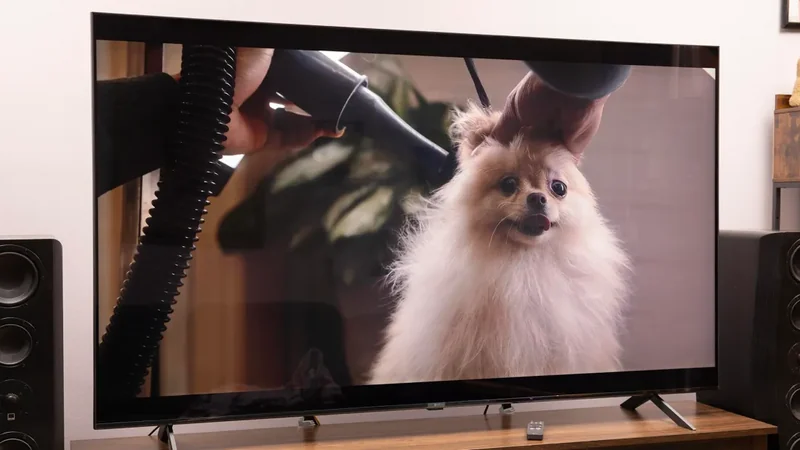
How to Tell If Your Smart TV Has a Built-in Camera
Most modern smart TVs do not include built-in cameras, but privacy-conscious users can follow specific steps to check their device and disable potential recording hardware.
 Radwan AbdulhadiEditor and technology writer
Finding Out If Your Smart TV Has a Camera
Most modern smart TVs do not feature cameras, and manufacturers that include them typically do so in very limited numbers. For example, older Samsung sets like the F-series feature integrated units, while Sony hardware continues to support options like the Bravia Cam.
To determine whether a specific television includes a camera, users can find the model number on the TV's label or through its system information menu. This model number can then be used to look up official documentation on the manufacturer's website. When reviewing the technical specifications, users should look specifically for the word "camera." Mentions of video calls are not definitive proof of an integrated camera, as smart TVs can often connect an external camera if desired.
Inspecting the Television Frame and Accessories
If official specifications indicate the presence of a built-in camera, users should closely inspect the frame of the TV, paying particular attention to the top edge. The search should focus on finding a tiny lens or a retractable camera that pulls back into the frame, which can often be identified by rectangular breaks in the housing structure.
For those who purchased a used smart TV, checking for connected accessories is also essential. A camera mounted above the screen may be completely detachable, even if it visually blends in with the television design.
Disabling and Covering Smart TV Cameras
When a camera is confirmed to be part of the setup, users can check the device instructions for physical privacy controls. Certain hardware options feature a dedicated camera cover switch that physically slides a shutter open or closed. If the unit is an external accessory, it can be completely disconnected and removed from the television.
For built-in cameras that lack a physical shutter, placing an easily removable opaque object over the lens is an effective workaround. Care must be taken to avoid accidentally covering neighboring sensors or ventilation openings. Additionally, users can review camera controls and specific app permissions within the smart TV's settings menu.
Understanding Network Vulnerabilities and Privacy Regulations
While a camera on a smart TV does not automatically mean someone is watching, connected internet devices always carry potential vulnerabilities. The exact operation of a smart TV camera depends on the active feature, ranging from video calling to local picture and sound adjustments. According to Sony, camera sensing functions used for local adjustments do not transmit camera images over the network.
However, manufacturer assurances can be limited if a home network experiences a compromise. Legislative measures such as the Informing Consumers about Smart Devices Act remain under consideration in the Senate, meaning consumer protection largely relies on existing frameworks like the FTC Act and manufacturer guidelines.
Addressing Broader Smart TV Privacy Concerns
Camera access represents only one aspect of potential privacy tracking on modern televisions. Devices may also feature microphone access and automatic content recognition (ACR), a technology that analyzes what is playing on the screen to identify viewing habits. Covering a camera will not stop viewing data collection or mute the microphone, as these functions require separate controls.
To minimize unauthorized access risks overall, users are advised to keep their software updated, audit camera permissions regularly, and avoid third-party app controls.
Sources
- EngadgetHow to tell if your smart TV has a camera (and how to disable it)
Continue chronologically


Related stories
Prime Day TV Deals Bring Deep Discounts on Major Screens
Explore the best television and streaming device deals available during Prime Day, featuring steep markdowns on top models from Sony, Roku, and more.
Smart TVs Track Your Viewing Habits With Automatic Content Recognition
Smart TVs monitor your viewing habits every second using Automatic Content Recognition technology, but you can limit this data collection.
Sony Cancels Promised Android 17 Update for Xperia 10 VI
Sony has completely canceled the promised Android 17 update for the Xperia 10 VI due to storage limitations, despite prior commitments.
LG MRGB95B Review: RGB LED TV Falls Short of OLED
An evaluation of LG's 75-inch Micro RGB evo MRGB95B reveals high brightness but falls short against competitors and OLED alternatives.