Why microSD Express cards matter for the Nintendo Switch 2
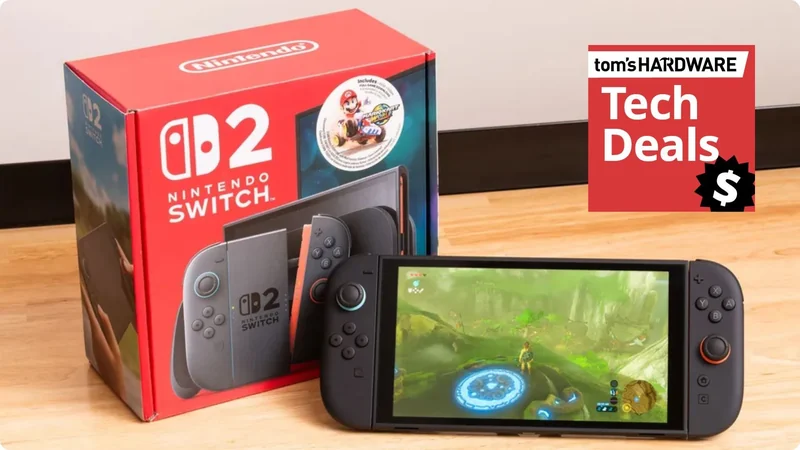
The Nintendo Switch 2 features expandable storage through microSD Express cards, but older cards from the original console will not work with the new system.
 Radwan AbdulhadiEditor and technology writer
Storage Realities on the Nintendo Switch 2
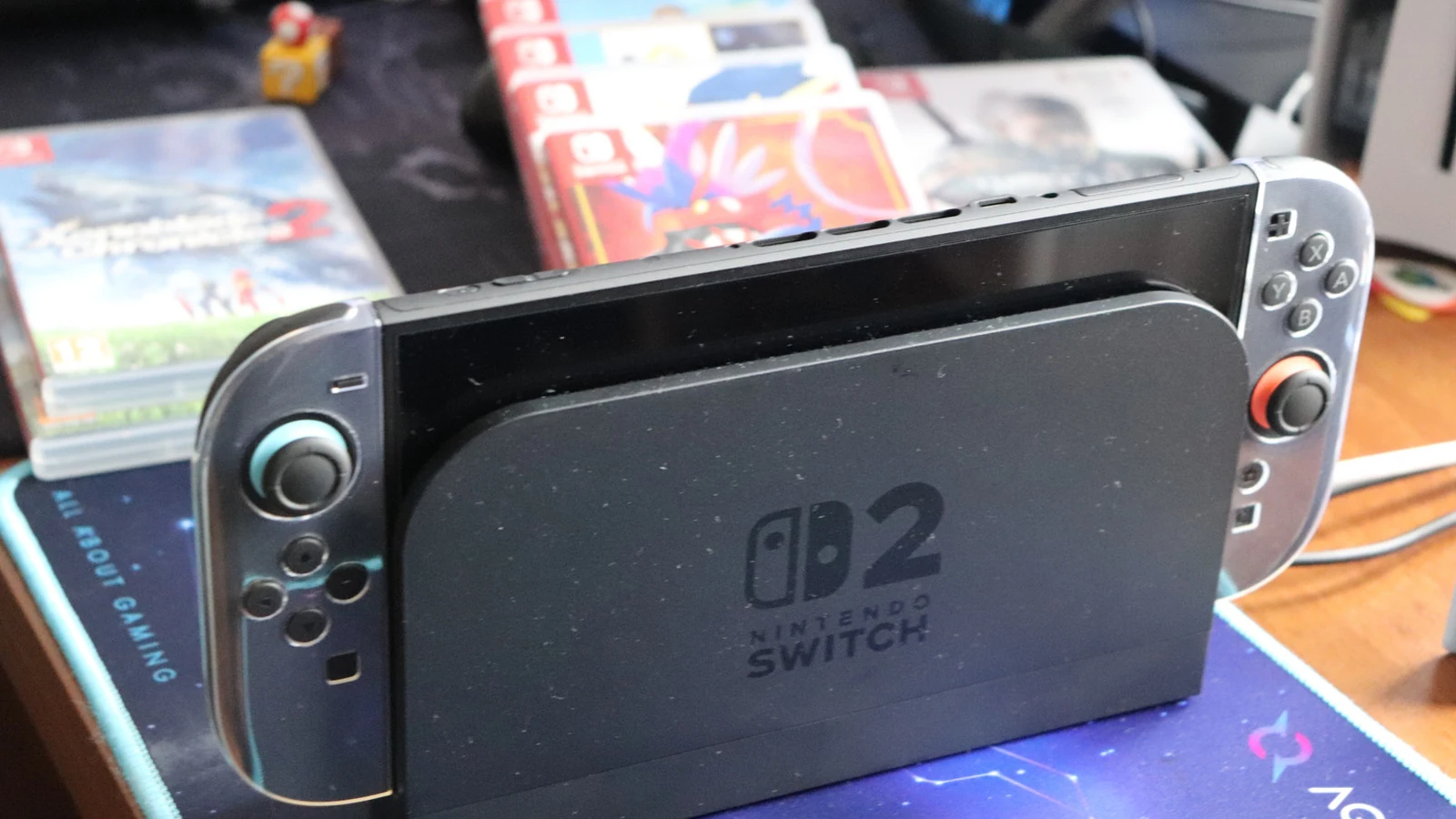
The Nintendo Switch 2 comes equipped with 256GB of internal storage, with roughly 249GB available to users after accounting for system software. While this initial capacity is sufficient to start playing immediately, modern game sizes mean that space can fill up quickly. Physical Switch 2 games now cost more than digital releases for first-party titles, which presents an interesting trade-off for players deciding how to build their libraries.
Updates, downloadable content, and Game-Key Cards—which require downloading the game directly to the console rather than running it straight from the cartridge—all contribute to heavy storage usage. While indie games and Nintendo's own first-party titles tend to be well-optimized and relatively small, major AAA releases demand significantly more room. For example, Final Fantasy VII Remake Intergrade requires 90.4GB, Resident Evil Requiem takes up nearly 29GB, and Assassin's Creed Shadows needs 69GB of space.
Why Your Old microSD Card Won't Work
Players upgrading from the original Nintendo Switch might assume they can reuse their existing memory cards, but that is not the case. The Nintendo Switch 2 is incompatible with standard cards from the previous generation for storing games or save data. Instead, users must acquire a new microSD card specifically designed for the updated system architecture.
To ensure compatibility, buyers need to look for a microSD Express card, identifiable by the word "Express" or the "EX" logo on the card itself. Consumers should take care not to confuse this designation with SanDisk's "Extreme" branding, as they are entirely different standards. The only functional use for an older original Switch microSD card on the new console is transferring screenshots and video clips captured on the legacy system directly into the Switch 2's internal memory.
Choosing the Right Storage Capacity
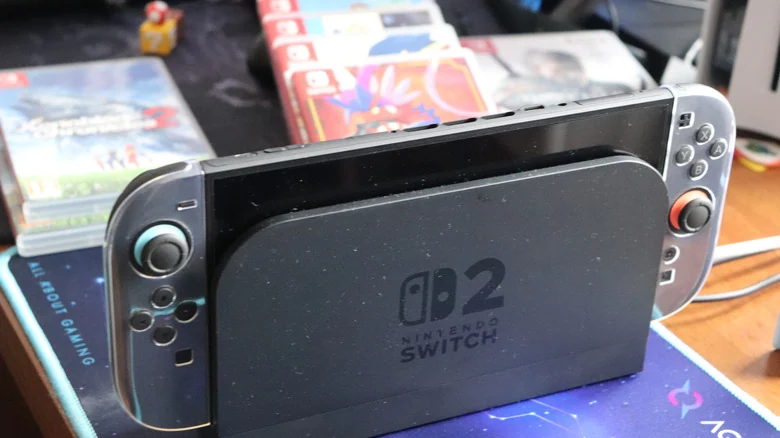
Deciding on the correct storage capacity depends heavily on individual gaming habits. Players who rely primarily on indie titles or only maintain a small selection of installed games may find that they do not immediately need extra storage. However, players who prefer to go all-in on digital games will benefit greatly from adding a microSD Express card to avoid constantly managing space.
When purchasing a card, matching capacity to library size is essential to avoid the cost and inconvenience of upgrading later. For instance, purchasing a 128GB card and immediately downloading a large title like Split Fiction (69.2GB) consumes more than half of the card's total capacity in a single installation.
Market Pricing and Availability
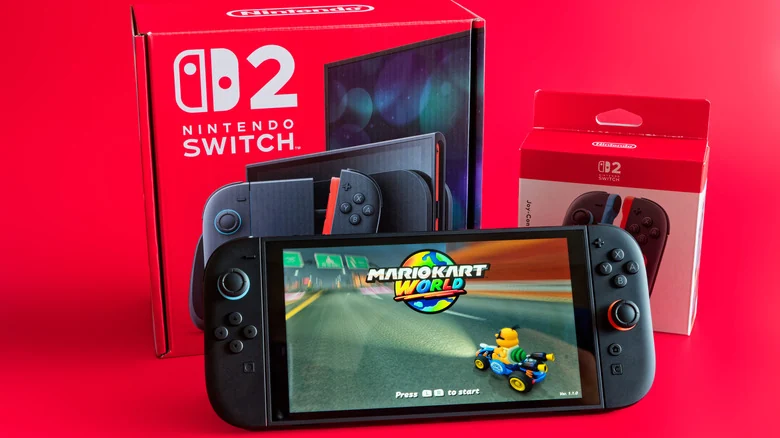
Purchasing expansion storage can involve a notable financial investment, particularly during the RAM shortage affecting the current market. Buyers can generally expect to pay around $60 for a standard 256GB card, while maximum-capacity 1TB options can cost several hundred dollars. While 2TB is technically the maximum card size supported by the Switch 2, 1TB remains the largest capacity of microSD Express card currently available on retail shelves.
Fortunately, performance remains relatively consistent across major manufacturers. Options from brands such as SanDisk, Lexar, and Samsung show very little difference in actual execution. The primary goal of purchasing these cards is keeping a larger library installed rather than achieving faster loading times compared to internal storage.
Nintendo's Usage Recommendations
Nintendo outlines specific guidelines for managing data on the console. Game save data always remains securely in the Switch 2's internal memory and cannot be copied or saved directly to a microSD Express card. Furthermore, Nintendo recommends sticking to a single card because software stored across multiple cards cannot be combined onto one card later.
While users are able to transfer all existing data from a smaller card to a larger one in the future if their library expands, the console is not designed for regular, routine swapping of different memory cards.
Sources
- EngadgetWhy it's important to use a microSD Express card with your Nintendo Switch 2
Continue chronologically

Related stories
How to Fix Nintendo Switch 2 TV Connection Issues
Troubleshoot your Nintendo Switch 2 TV connection problems by checking your dock placement, power cables, HDMI settings, and system updates.
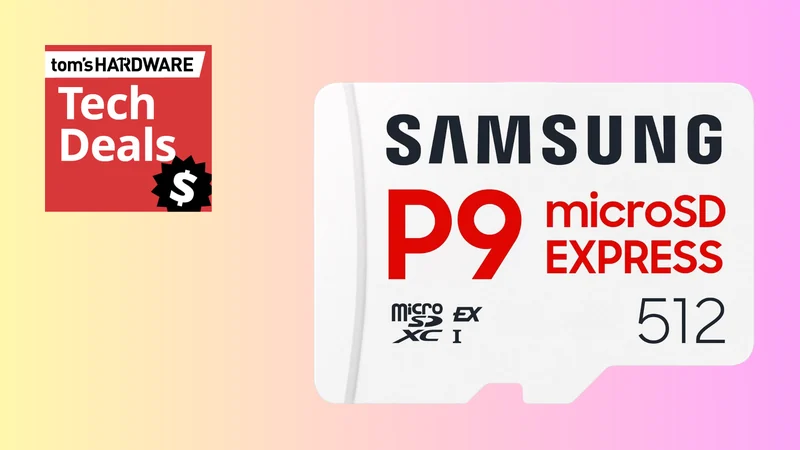
Samsung P9 512GB microSD Express Card On Sale for $99
Save $50 on the ultra-fast 512GB Samsung P9 microSD Express card at Amazon, offering a reliable and high-performance storage upgrade for the Nintendo Switch 2.
Valve Launches Steam Frame VR Headset Starting at $1,059
Valve has officially released its Steam Frame VR headset. Discover the latest tech news including new RPG titles and compact digital cameras.

Nintendo Switch 2 Discounted to $469 in Rare Sale
The Nintendo Switch 2 portable gaming console is currently discounted to $469.99, offering a $30 savings off its recent $499 price tag.