Google Wallet adds Oklahoma state ID support on Android
Following previous releases earlier in the year, Google Wallet is expanding its digital identification features to include support for state IDs on Android devices.
 Radwan AbdulhadiEditor and technology writer

Oklahoma Joins Digital State ID Lineup
Following the last launch at the end of August, Google Wallet is rolling out support for Oklahoma state IDs on Android. Users can open the Google Wallet app on their phone and tap the plus button next to View more at the bottom, then navigate to IDs and personal info followed by Driver's license or state ID. This reveals Oklahoma as an option alongside other supported regions.
The newly added Oklahoma state ID joins options from Arizona, Arkansas, California, Colorado, Georgia, Iowa, Maryland, Montana, New Mexico, North Dakota, Ohio, and Puerto Rico. The visual design of the digital card features the American Bison as the state animal and the scissor-tailed flycatcher as the state bird.
Verification and Setup Procedure
Setting up the digital ID requires taking clear photos of both the front and the back of the physical card. Additionally, users must record a short video of their face for verification purposes, which is then sent to the state agency for review. This review process typically takes a few minutes, after which a notification confirms when the ID is available, accompanied by an email confirmation from the state agency.
Device requirements stipulate that the smartphone must be running Android 8 or higher, feature a screen lock, and have both Bluetooth and Nearby devices enabled. As a private pass, the digital state ID does not sync to the cloud and remains exclusively available on a single device.
Sharing and Security Mechanisms
When presenting the digital identification, users can either tap on a reader or have a QR code scanned. Personal information is not shared immediately; instead, users can review the requested details directly on their phone before confirming the share. The ID is securely transmitted using Bluetooth, eliminating the need to hand the physical phone to anyone.
For extra security, individuals must verify their identity using their face, fingerprint, password, or PIN before information is released. Users can also access an Activity history section by selecting Details next to Show code, while Driver's License information lists the license number, expiration date, address, and additional details.
Usage Limitations and Removal
While the digital ID is accepted at select airports by the TSA and can be read via NFC or QR code scanning, official guidelines dictate that users must still carry their physical card. The digital pass on the phone does not replace the legal requirement for individuals to carry a physical driver's license or state ID card at all times.
Users retain full control over their digital credentials and can delete a state ID from Google Wallet at any time directly within the app. Alternatively, removal can be handled remotely through myaccount.google.com by locating the ID and confirming the deletion from both the device and the associated Google Account.
Sources
- 9to5GoogleGoogle Wallet for Android adds 12th digital state ID
Continue chronologically
Related entity coverage
Related stories
Google Launches Android Motion Assist to Combat Motion Sickness
Google has officially launched Motion Assist for Android, bringing moving shapes to screens to help passengers combat motion sickness while riding in cars.
Google's Googlebooks Aim to Bridge Android Phones and Laptops
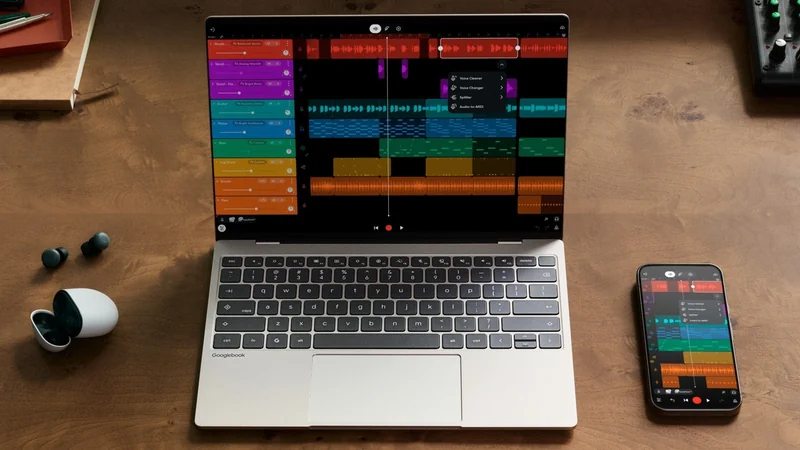
Google's first Googlebooks go on pre-order October 4, promising deeper Android phone integration, AI tools, and a new Android-based foundation.
Google Launches Googlebook Laptops for Android Users
Google has officially unveiled Googlebooks, a new line of laptops designed to provide seamless connectivity and synergy with your Android smartphone.
Gmail Adds ‘Copy Code’ Shortcut for 2FA on Android & iOS
Gmail introduces a new 'Copy code' button for two-factor authentication on mobile, allowing users to quickly copy codes directly from their inbox.