RemoveMacAI Tool Clears Apple Intelligence From macOS 27
A newly released open-source command-line utility provides a streamlined method to disable Apple Intelligence on macOS 27 and delete its underlying AI models.
 Radwan AbdulhadiEditor and technology writer

The Challenge of Removing Apple Intelligence in macOS 27
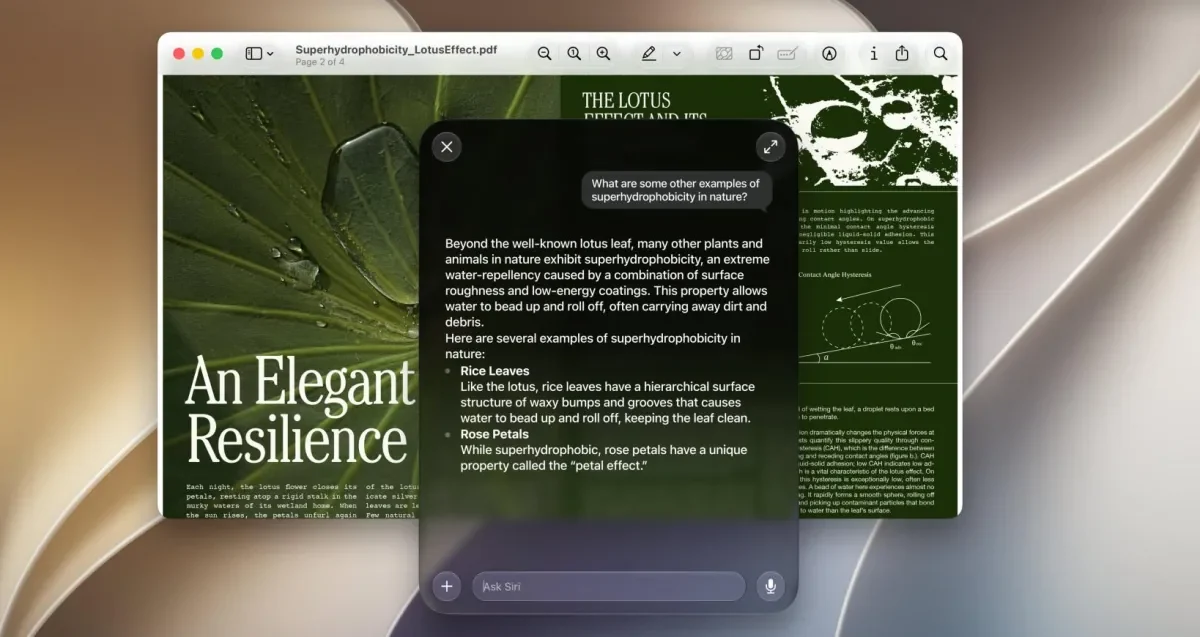
Unlike previous versions of the operating system, macOS 27 Golden Gate does not include a direct, single settings toggle for turning off Apple Intelligence. Instead, users who want to disable unwanted artificial intelligence features must navigate through roughly a dozen individual settings panes, with several tucked away under Screen Time. Furthermore, even when individual AI capabilities are manually deactivated, the foundational models remain stored on the computer's disk.
These built-in AI components occupy a substantial amount of local storage, taking up anywhere from roughly 12GB to over 30GB of disk space depending on the system configuration and models present, even if the user never utilizes the features.
Introduction of the RemoveMacAI Utility
To address the absence of a master toggle and help users recover valuable disk space, a developer known as Om Lahore created an open-source command-line utility called RemoveMacAI. First highlighted by MacRumors and detailed extensively by outlets such as The Verge, the tool provides an automated way to clean up AI assets from compatible Mac computers running macOS 27.
According to the developer's explanations shared on Reddit and GitHub, the utility executes multiple cleanup steps simultaneously. It turns off Siri, Writing Tools, Genmoji, Image Playground, the ChatGPT integration, and automatic summaries, while deleting the associated local models and preventing macOS from downloading them again automatically.
How the Command-Line Tool Operates Under the Hood
The developer explained on Reddit that RemoveMacAI achieves its functionality by utilizing a configuration profile approved through System Settings alongside Apple’s native asset service framework. This design ensures that System Integrity Protection remains fully active and that system files in protected directories are not directly altered.
Users who wish to examine the source code, inspect individual model sizes, or review installation instructions can visit the repository on the official project page.
Reversibility and System Impact
The utility is designed to be fully reversible. By executing a simple revert command within the terminal, users can remove the configuration profile, allowing macOS to download the required AI models again if a specific feature is later re-enabled. Additionally, the tool allows individuals to selectively remove only the specific Apple Intelligence components they prefer not to use while retaining others.
Standard dictation capabilities continue to operate normally after running the script because dictation relies on a separate system setting rather than the core Apple Intelligence framework.
Broader Reception Within the Community
The fast adoption and widespread interest in the command-line utility highlight a distinct resistance among some consumers toward forced or heavily integrated artificial intelligence software upgrades. Forum participants and power users frequently compare the cleanup process to traditional system optimization routines required on other operating systems to remove unwanted background software.
Sources
- Ars TechnicaCommand-line tool quickly removes Apple Intelligence from macOS 27
- The VergeAn open-source tool lets you delete 12GB of Apple Intelligence data on macOS
Continue chronologically
Related entity coverage
Related stories
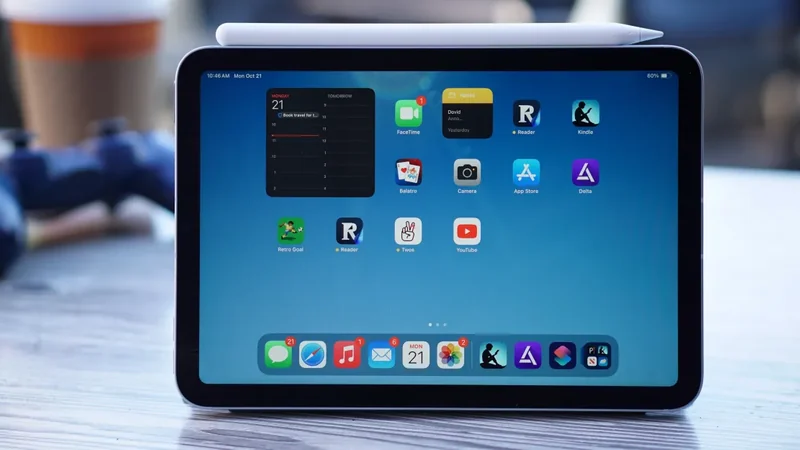
Apple iPad Mini Discounted by $100 Ahead of Prime Day
Ahead of Amazon's October Prime Big Deals Days, both Wi-Fi and cellular models of the Apple iPad Mini are receiving a $100 discount.
Apple Limits Mac Disk Access Due to AI Agent Risks
Apple is introducing new controls to limit full disk access on macOS, citing substantial security risks posed by increasingly autonomous AI agents.
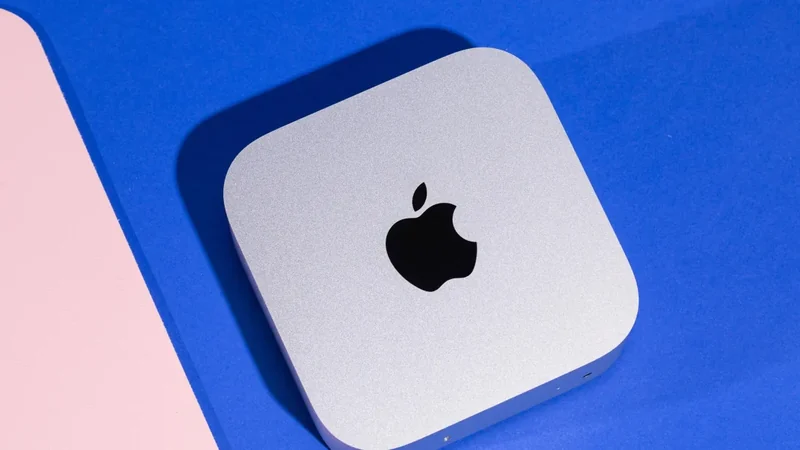
New Mac mini and Mac Studio Launch With M6 and M5 Chips
Apple has officially released the new Mac mini and Mac Studio, featuring powerful M6 and M5 silicon, advanced AI capabilities, and enhanced performance.
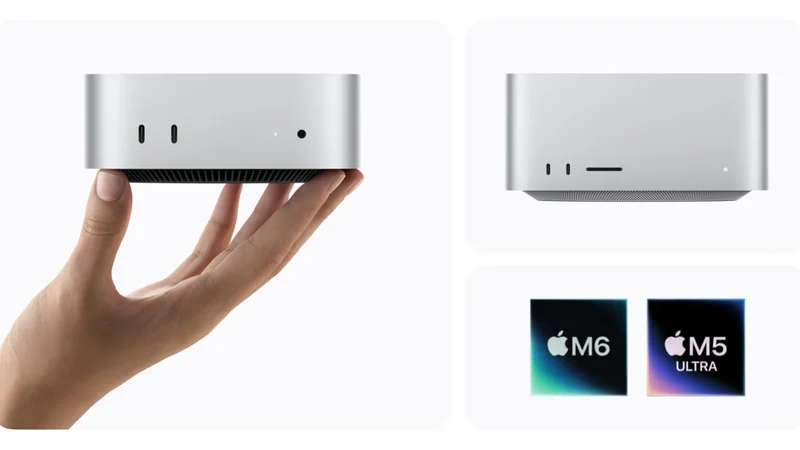
Apple Updates macOS Permissions to Curb AI Agent Abuse
Apple is changing macOS Full Disk Access settings to prevent third-party developers and AI agents from misusing system privileges.