Microsoft Releases Windows 10 KB5126657 Extended Security Update
Microsoft has issued the Windows 10 KB5126657 extended security update, incorporating the record-breaking October 2026 Patch Tuesday fixes alongside targeted bug resolutions and system changes.
 Radwan AbdulhadiEditor and technology writer
Overview of the KB5126657 Release
Microsoft has officially released the Windows 10 KB5126657 extended security update, which incorporates this month's record-breaking October 2026 Patch Tuesday fixes alongside a variety of system bug fixes and functional changes. Since Microsoft no longer releases new features for Windows 10, this update focuses primarily on essential security maintenance and operational stability.
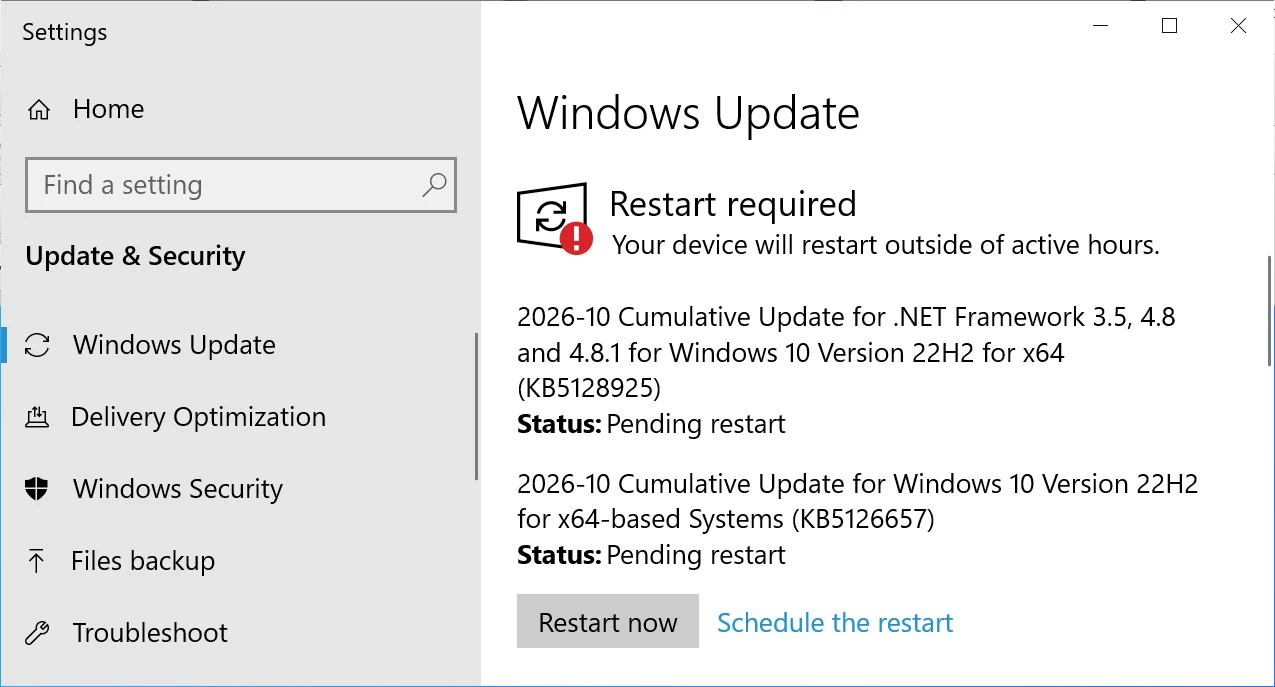
Users who are running Windows 10 Enterprise LTSC or are enrolled in the ESU program can acquire and install this update through the standard operating system procedures by navigating to Settings, opening Windows Update, and manually checking for available updates.
Build Versions and Patch Tuesday Integration
Following the successful installation of this update, supported versions of the operating system will reflect new build numbers. Standard Windows 10 systems will be updated to build 19045.7807, while Windows 10 Enterprise LTSC 2021 systems will transition to build 19044.7807.
The release also integrates fixes distributed as part of the massive October 2026 Patch Tuesday event. That record-breaking cycle addressed a staggering 1,411 vulnerabilities across various Microsoft products, including one actively exploited zero-day flaw.
Time Zone and ReFS Security Changes
Among its specific changes, the update introduces permanent Daylight Savings Time support for British Columbia and Alberta starting in November 2026. Furthermore, it establishes the new time zone designation known as Manitoba Standard Time.
On the storage front, the update introduces auditing and optional policy controls for ReFS volumes located on externally attached storage devices. While auditing is enabled by default, enforcement controls remain disabled by default to give system administrators adequate time to evaluate and prepare for upcoming security hardening modifications.
Storage Spaces and File History Resolutions
The KB5126657 update addresses an issue that could cause certain Storage Spaces Direct virtual disks to remain offline after a Windows update. This specific problem occurred when valid tiered storage metadata was incorrectly identified as invalid during the recovery phase, which prevented affected virtual disks and their dependent workloads from coming back online.
Additionally, the release resolves a known issue affecting File History where backup or restoration operations targeting an external drive or network location might fail. Affected computers could incorrectly display a prompt instructing users to reconnect their drive even when a compatible backup drive was securely connected and operating normally.
Secure Boot Deployment and Known Audio Issues
Microsoft's deployment of updated Secure Boot certificates continues through this update, utilizing high-confidence targeting data to identify eligible devices that are fully ready to automatically receive the new certificates across supported hardware ecosystems.
Despite these improvements, Microsoft has documented a known issue affecting some USB Audio Class 1.0 devices following the deployment of previous Windows security updates. Affected machines may encounter startup issues with a Code 10 error in Device Manager, lose audio output entirely, or experience unresponsive volume controls and sound settings.
Sources
- BleepingComputerMicrosoft releases Windows 10 KB5126657 extended security update
Continue chronologically

Related entity coverage
Related stories
Microsoft: Unsupported Windows Devices to Lose Security Updates
Microsoft warns that outdated Windows devices running unsupported versions will stop receiving security updates after upcoming certificate rotations.
Microsoft Issues OOB Windows Updates to Untrust eMudhra
Microsoft releases out-of-band Windows updates to remove trust in certificates tied to compromised eMudhra keys for offline and restricted systems.
Most Windows Users Are Underusing Virtual Desktops
Discover how Windows virtual desktops can boost your multitasking and organization, offering more workspace on single or multiple monitors.
Microsoft Fixes Windows Update App and Game Crashes
Microsoft has released the October 2026 Patch Tuesday update to resolve a bug causing games and apps using AC-3 audio to crash.