
GitHub Copilot Expands Code Review Configurations
GitHub has officially launched general availability for expanded Copilot code review features, bringing new personal configuration options, broader plan accessibility, and enterprise-level management controls.
 Radwan AbdulhadiEditor and technology writer
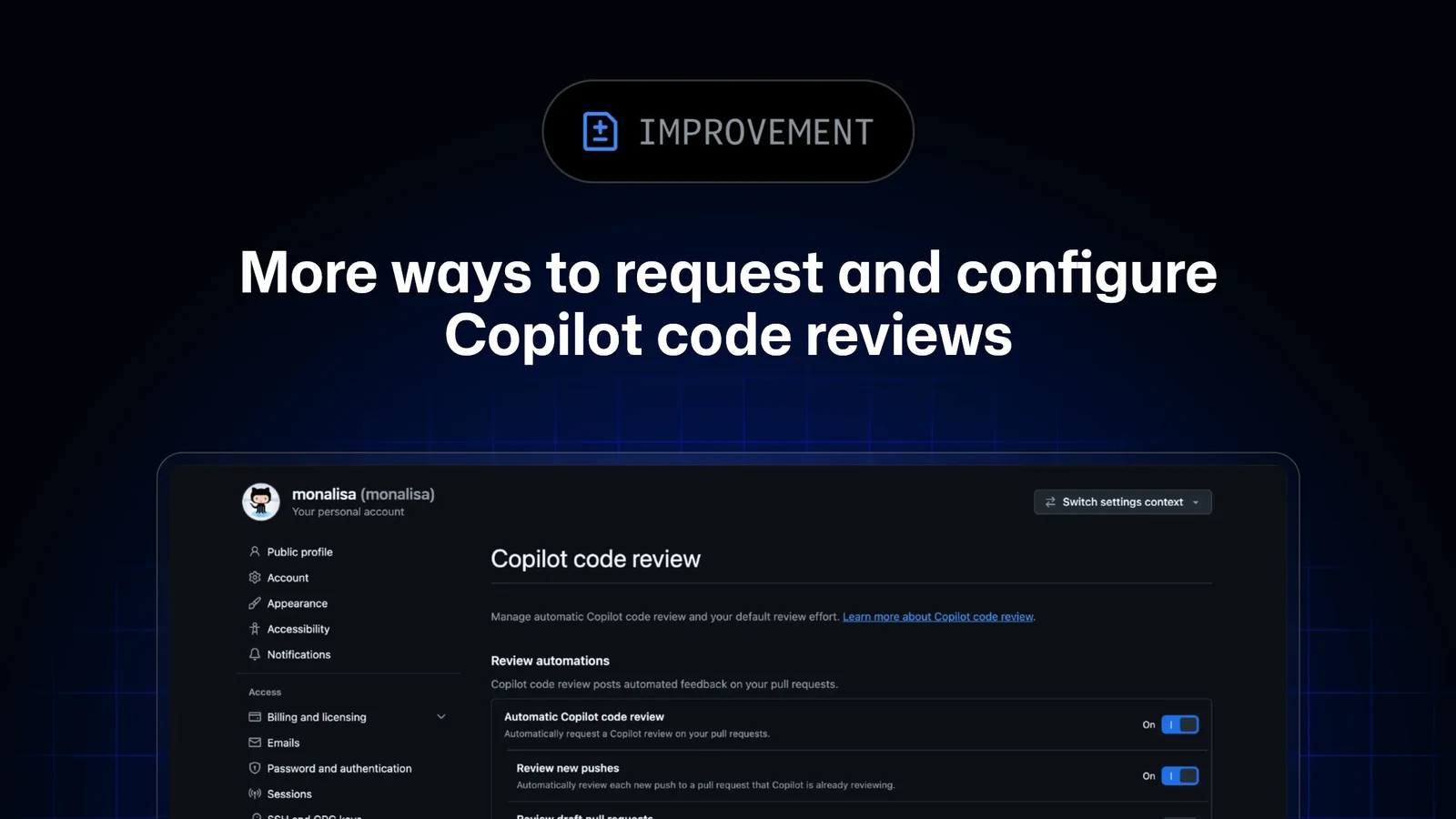
Expanded Access and General Availability
GitHub has announced the general availability of new features and configurations for its automated code evaluation tool, as detailed in the [GitHub Changelog](https://github.blog/changelog/2026-09-23-copilot-code-review-more-ways-to-request-and-configure-reviews/). The update brings additional personal configurations to an expanded set of Copilot plans alongside a new enterprise-level default setting. Previously, personal settings for this feature were restricted exclusively to Copilot Pro, Pro+, and Max tiers on the main Copilot features page, with limited capabilities for draft pull requests or subsequent pushes.
With this rollout, developers using every tier of Copilot—including enterprise and business editions—gain access to dedicated personal control pages. This expansion aims to give engineering teams more flexibility in tailoring automated feedback workflows directly to their daily development habits without being restricted by subscription tier limitations.
Dedicated Personal Settings and Controls
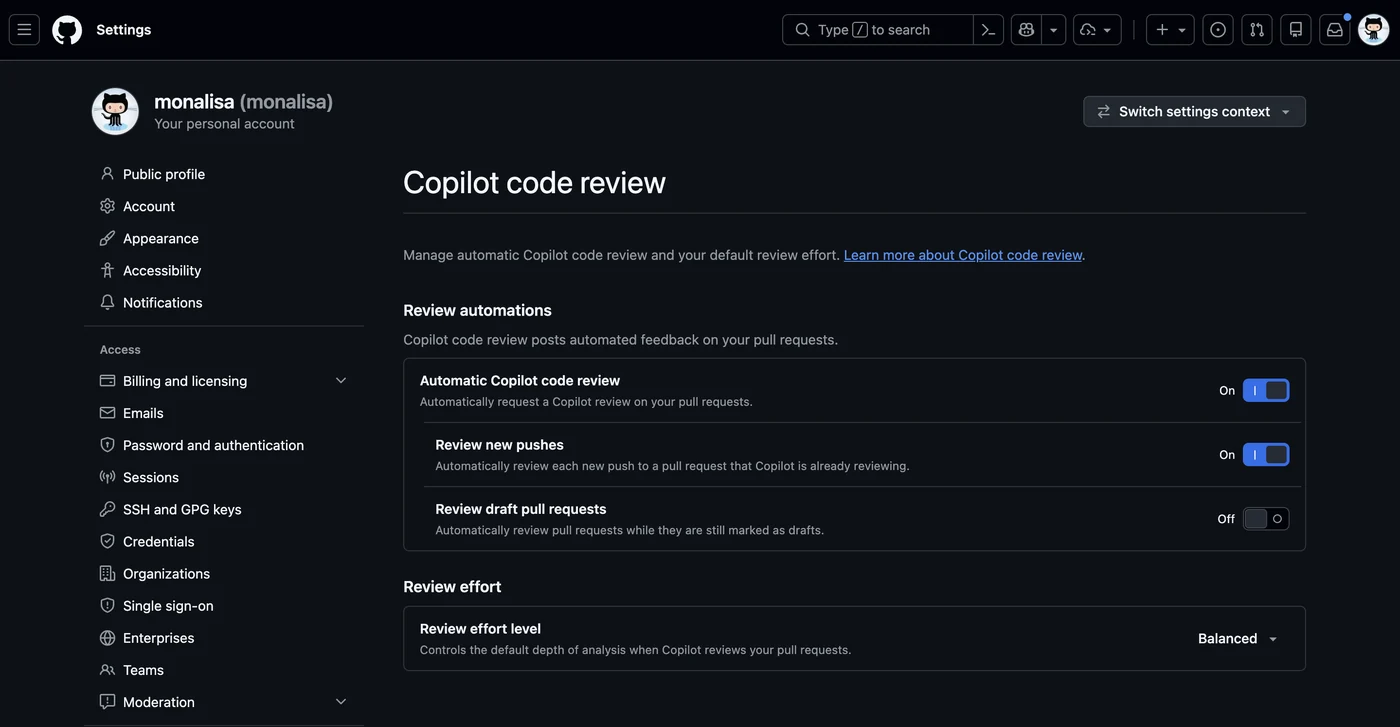
Under the user profile settings, developers can now navigate to a dedicated 'code review' page located within the broader Copilot configuration area. This centralized interface allows users to fine-tune how and when automated reviews engage with their active code contributions.
Among the newly introduced settings, users can enable automatic reviews from Copilot that trigger explicitly when they create a pull request, coauthor a pull request, or transition a pull request out of its draft state. Furthermore, developers can choose to turn on automatic reviews specifically for new pushes as well as draft pull requests they create or coauthor, ensuring comprehensive coverage across the entire lifecycle of a contribution.
Managing Review Effort Levels
The updated configuration system introduces granular control over how intensely the automated assistant evaluates code submissions. Users can define their default review effort directly from their personal settings panel, with current options represented as either Lite or Balanced.
This chosen default effort applies directly to all requested reviews, including those set to trigger automatically upon pull request creation or updates. However, developers retain flexibility: when manually requesting a review from Copilot via the pull request page under the 'Reviewers' menu, contributors can dynamically select an alternative review effort before submitting the request.
Enterprise-Level Administration and Inheritance
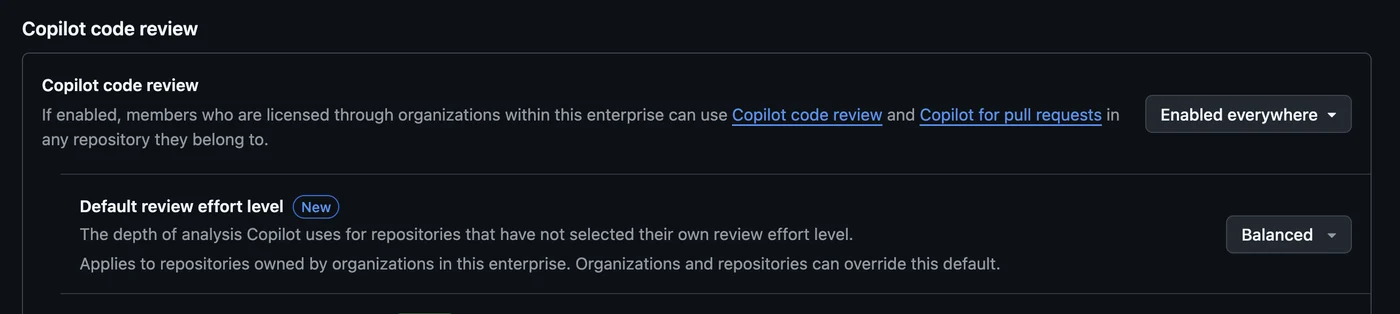
In addition to individual developer preferences, the latest update addresses management needs at scale. Authorized enterprise administrators are now empowered to establish a single default review effort—such as Lite, Balanced, or the standard GitHub default—for the entire enterprise organization.
This enterprise-wide setting automatically propagates downward to organization-owned repositories through standard inheritance rules. Despite this top-down consistency, individual organizations and specific repositories retain the administrative flexibility to configure their own local overrides when unique project requirements dictate a different review profile.
Sources
- GitHub ChangelogMore ways to request and configure Copilot code reviews