Windows 11 KB5127936 Update Brings 41 Changes and Fixes
Microsoft has released the optional KB5127936 preview cumulative update for Windows 11 users, delivering 41 changes and improvements across system features.
 Radwan AbdulhadiEditor and technology writer
Overview of Windows 11 KB5127936
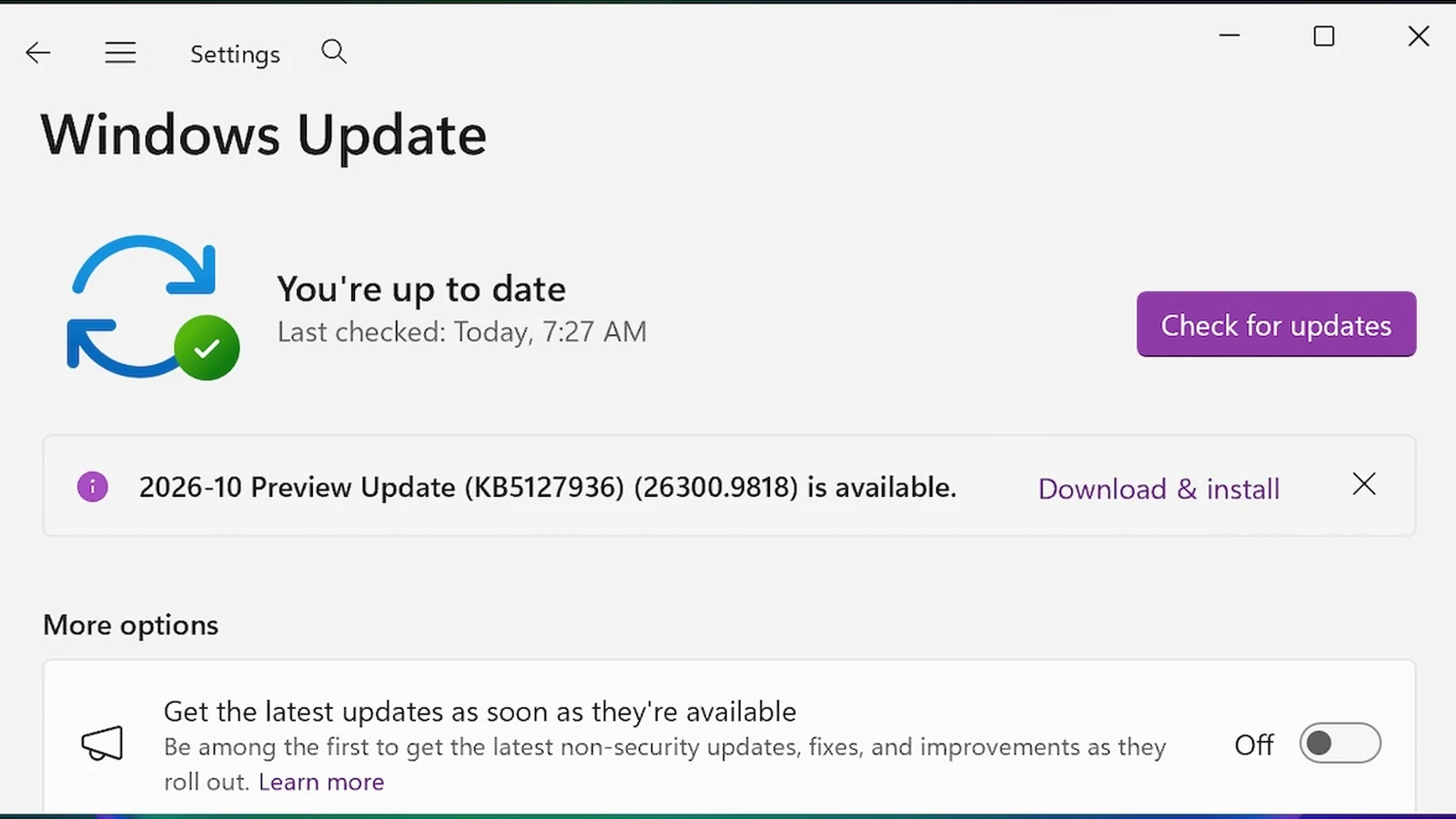
Microsoft has released the Windows 11 KB5127936 preview cumulative update for versions 25H2 and 26H2, bringing a total of 41 changes and fixes to the operating system. As detailed by BleepingComputer, this optional monthly release gives users and IT administrators a chance to test new features and fixes before they arrive in the next Patch Tuesday rollout.
Because this release is designated as an optional preview update, it does not contain security patches. Users who want to apply it immediately can download it directly from the Microsoft Update Catalog, or check for it within the system settings.
File Explorer and Cloud Rebuild Enhancements
Among the 41 included changes, the update focuses heavily on File Explorer performance and system recovery. The File Explorer context menu has been made faster and easier to customize, allowing users to select which app extensions and commands appear and how they are organized.
Additionally, the Cloud rebuild feature now lets users reinstall Windows without needing USB media or a custom image. By fetching an image and drivers directly from Windows Update, the tool can rebuild the system even when Windows fails to start.
Recovery, Privacy, and Gaming Improvements
The update introduces several improvements to Windows recovery (WinRE), allowing it to automatically reuse eligible Wi-Fi profiles already saved in Windows. This permits devices to get online during recovery scenarios without preconfiguring credentials in WinRE.
Furthermore, the Privacy & security page in Windows Settings has been streamlined by grouping related camera, microphone, and location privacy controls together. Xbox mode has also been updated with a refreshed Gaming Task View that includes quick access to system actions like Power Options and Exit to Desktop via a new navigation bar.
Installation and Secure Boot Considerations
To install the KB5127936 preview update, users can open Settings, navigate to Windows Update, and select 'Check for Updates'. Depending on user system configurations, the update may require manual interaction or install automatically if automated update settings are enabled.
Once installed, the update upgrades Windows 11 25H2 and 26H2 devices to builds 26200.9818 and 26300.9818, respectively. Microsoft also reminded users that updated Secure Boot certificates are rolling out across systems, which may require an additional system restart during the update installation process.
Sources
- BleepingComputerWindows 11 KB5127936 update released with 41 changes and fixes
Continue chronologically


Related entity coverage
Related stories
Windows 11 KB5127648 & KB5126653 Updates Released
Microsoft releases mandatory Windows 11 KB5127648 and KB5126653 cumulative updates with October 2026 Patch Tuesday security fixes and new features.
Windows 11 Hidden Quick Link Menu Saves Time Troubleshooting
Discover how the hidden Windows 11 Quick Link Menu connects you with essential troubleshooting tools, Task Manager, and Event Viewer in one place.
Microsoft Fixes Smart App Control Bug in Windows 11
Microsoft resolves an issue where the October Windows security update prevented users from activating the Smart App Control security feature.
Windows 11 right-click menu and Cloud Rebuild preview update
Microsoft rolls out a Windows 11 preview update featuring right-click menu customization and Cloud Rebuild, alongside declining PC revenue.