Why Certain iPhone Apps Fail to Appear in Apple CarPlay
While Apple CarPlay improves driving and navigation, strict development rules and design guidelines prevent many popular iPhone apps from appearing on vehicle dashboard displays.
 Radwan AbdulhadiEditor and technology writer
Understanding Apple CarPlay Restrictions
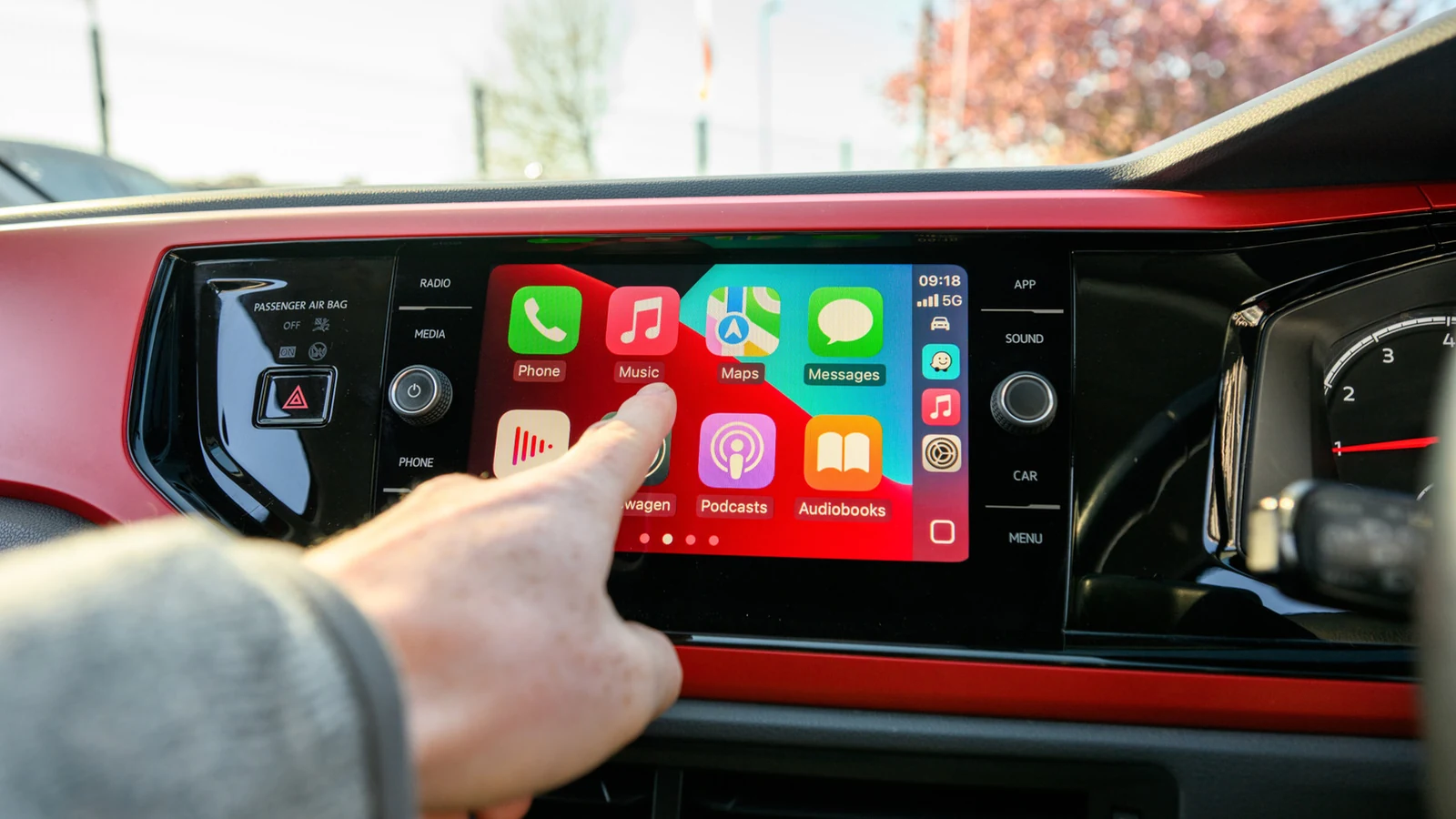
Using CarPlay for navigation and listening to music is far better than mounting your phone, relying on memory, and listening to the radio. While there are ways to improve CarPlay, the overall experience primarily comes down to the available apps.
Many users notice that most of the apps on their iPhone do not appear in CarPlay. This limitation applies even to programs without fundamental usage barriers; for instance, while Gmail and Apple Fitness might not make sense on a vehicle dashboard, there is theoretically no reason why a user could not run calculations in a calculator app.
Before assuming an app is entirely unsupported, users can check compatible software by heading to Settings, General, and then CarPlay on their iPhone, tapping the car's name, choosing Apps, and utilizing the Plus button to add missing titles.
Developer Requirements and Interface Guidelines
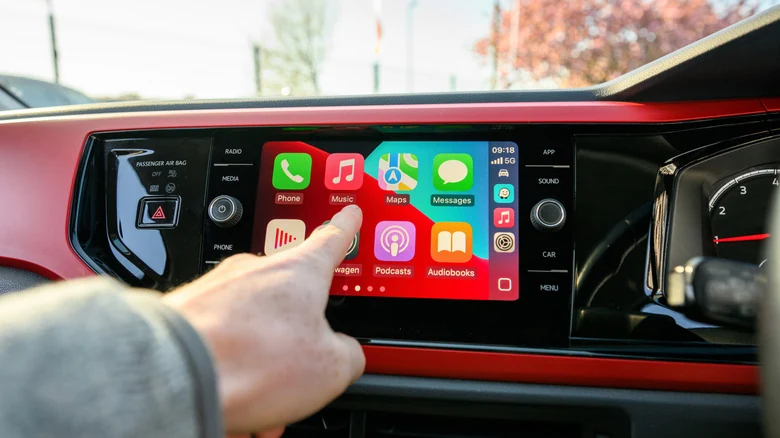
For an application to appear, developers must specifically build CarPlay support into their offerings. There is no automatic conversion process, as an interface meant for a handheld iPhone screen must be reformatted and simplified to function cleanly on a dashboard display.
Regardless of how useful a particular program might be in a vehicle, if a developer lacks the time, money, or inclination to adapt it, CarPlay integration will not happen. Furthermore, developers must strictly adhere to Apple's CarPlay guidelines.
Apple only permits specific categories of apps that connect directly to driving tasks, such as navigation, EV charging, and parking. Additional permitted categories include audio, communications, public safety, and quick food ordering, all chosen because Apple deems them meaningful to use while driving.
Banned Categories and Strict Policies
Apple's official developer guide outlines even more stringent restrictions, actively banning entire categories such as games and social media from the platform. While users can play titles like Cuphead in a Tesla, they cannot play games like Wordle through CarPlay.
Even approved apps must conform to narrow policies. For example, messaging applications are prohibited from displaying the full content of incoming messages. Additionally, lyrics are explicitly restricted for music apps, though users occasionally find workarounds for showing lyrics in CarPlay.
New Functionality and Evolving Dashboard Features
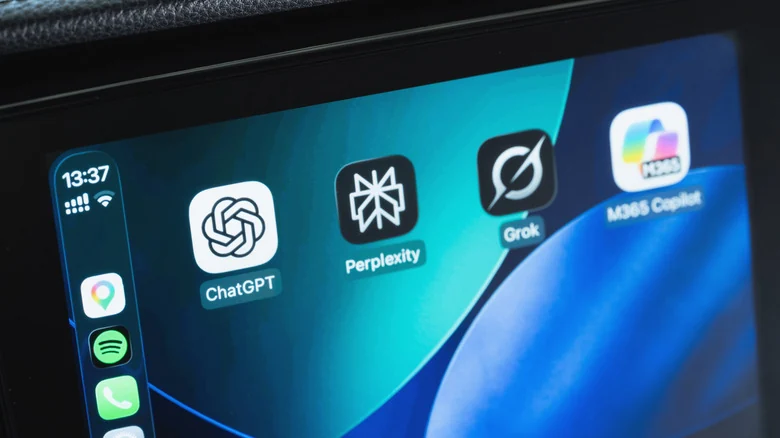
Apple has gradually added more functionality to CarPlay with iOS 27, allowing drivers to access artificial intelligence voice assistants like ChatGPT or Perplexity alongside existing native Siri integrations.
Another notable update involves support for video apps, though playback is strictly restricted to when the vehicle is parked. Because many infotainment systems lack video playback capabilities entirely, and incompatible video apps remain hidden, few developers have rushed to adopt this feature.
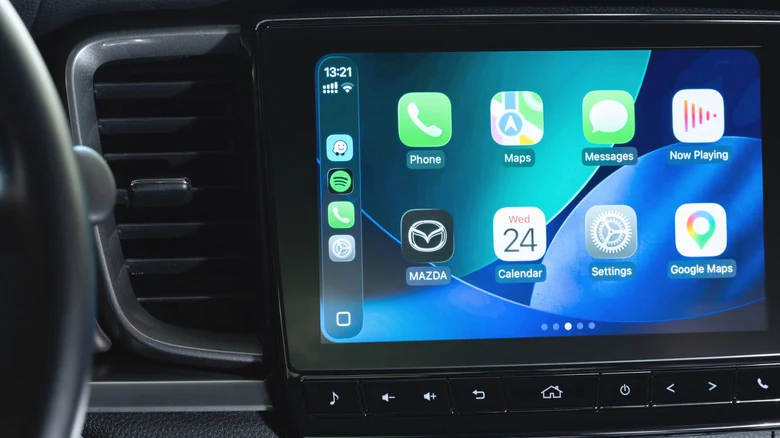
CarPlay also includes support for widgets, which enable drivers to quickly view information from various applications that would otherwise fail to run or appear as standalone apps within the interface.
The Future of In-Vehicle Software Ecosystems
The long-term boundary of Apple's platform remains an open question, particularly as some car manufacturers begin dropping CarPlay support altogether. Automakers like Tesla and Rivian leverage fast processors and oversized screens to deliver complete entertainment systems, creating intense competition for standard projection software.
Industry observers note that stepping into a modern electric vehicle only to find limited options like Google Maps and Apple Podcasts can sometimes feel underwhelming compared to deeply integrated native vehicle software.
Sources
- EngadgetWhy some iPhone apps don't appear in Apple CarPlay
Continue chronologically
Related entity coverage
Related stories
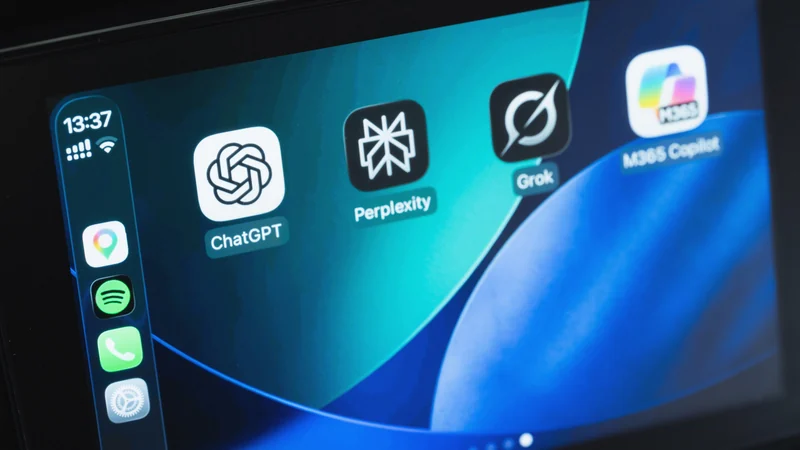
Major AI Chatbot Apps Now Compatible with Apple CarPlay
Drivers can now use AI chatbots like ChatGPT, Claude, and more directly through Apple CarPlay following a recent iOS update.
Rivian Startup Mind Robotics Hires Former Ford EV Chief
Former Ford EV and Tesla executive Doug Field has been named president of Mind Robotics, Rivian CEO RJ Scaringe's industrial automation startup.

Rivian Spinoff Mind Robotics Appoints Doug Field as President
Mind Robotics, the industrial AI and robotics startup founded by Rivian CEO RJ Scaringe, has named former Ford EV chief Doug Field as its president.

Engadget Review Recap Highlights iPhone Duo and Rivian R2
Engadget shares a new roundup of recent device reviews, featuring the foldable iPhone Duo, the mid-sized Rivian R2 electric SUV, and more.